Truto LLM Tools Overview
Truto provides each described method of an integration's resources as a tool for your LLM frameworks to use.
Skip the reading — fast path for coding agents
truto accounts tools <integrated_account_id>/skill truto
We currently support the following LLM frameworks:
- Langchain.js - truto-langchainjs-toolset
Please reach out to us at support@truto.one if you need support for additional frameworks.
How it works
Every integration on Truto is essentially a comprehensive JSON object that represents how an underlying product's API behaves. Think of it as a Swagger file, but built specifically with integrations in mind.
Integrations have a concept of Resources, which map to the endpoints on the underlying product's API. Resources enable us to map any API into a REST-based CRUD API.
For example, you could have a
membersresource on the Cloudflare integration that maps to/client/v4/accounts/:id/membersAPI on Cloudflare.
Every Resource has Methods defined on them. These can be standard ones like List, Get, Create, Update, and Delete, as well as custom ones like "Send Email".
Taking the example further, we could define
GET /client/v4/accounts/:id/membersas a List method to retrieve all members in a Cloudflare account, andPOST /client/v4/accounts/:id/membersas a Create method to add a new member to a Cloudflare account.
The Methods on the Resources are what we currently provide as Proxy APIs, where Truto handles all pagination, authentication, and query parameter processing. They always return data in a predefined format. They are the first level of abstraction that Truto provides.
Unified APIs are built on top of these Proxy APIs with data transformation added to normalize the structure of the data into a common format across a product category. The second level of abstraction.
We could define a User Directory Unified API that calls the
membersresource for Cloudflare integration and might call theusersresource for HubSpot. As a consumer of the Unified API, you simply need to call the/user-directory/usersendpoint.
Unified APIs are particularly helpful when building integrations programmatically. However, when solving problems agentically, Proxy APIs are sufficient because they can handle data normalization on their own using the raw data from the underlying product's APIs.
Truto provides a set of tools for your LLM frameworks by offering a description and schema for all the Methods defined on the Resources for an integration. We then call the /integrated-account/:id/tools endpoint on the Truto API to return all of these Proxy APIs with their descriptions and schemas, creating Tools that LLM frameworks can use.
The API reference marks this endpoint as deprecated. That applies to browsing what an account supports, which GET /integrated-account/{id}/capabilities is for. For tool calling, /tools is the endpoint to use.
Adding tools to an integration
The Truto team provides basic tool definitions for each Resource and Method by default. Following the true Truto ethos, all of this is customizable by anyone using Truto.
Let's walk through the steps of adding a tool definition for the Cloudflare integration:
We'll add the tool definition for the List Members endpoint on the Cloudflare integration and then call the /tools endpoint to see the output of what we've added.
- Open Integrations and the Cloudflare integration.
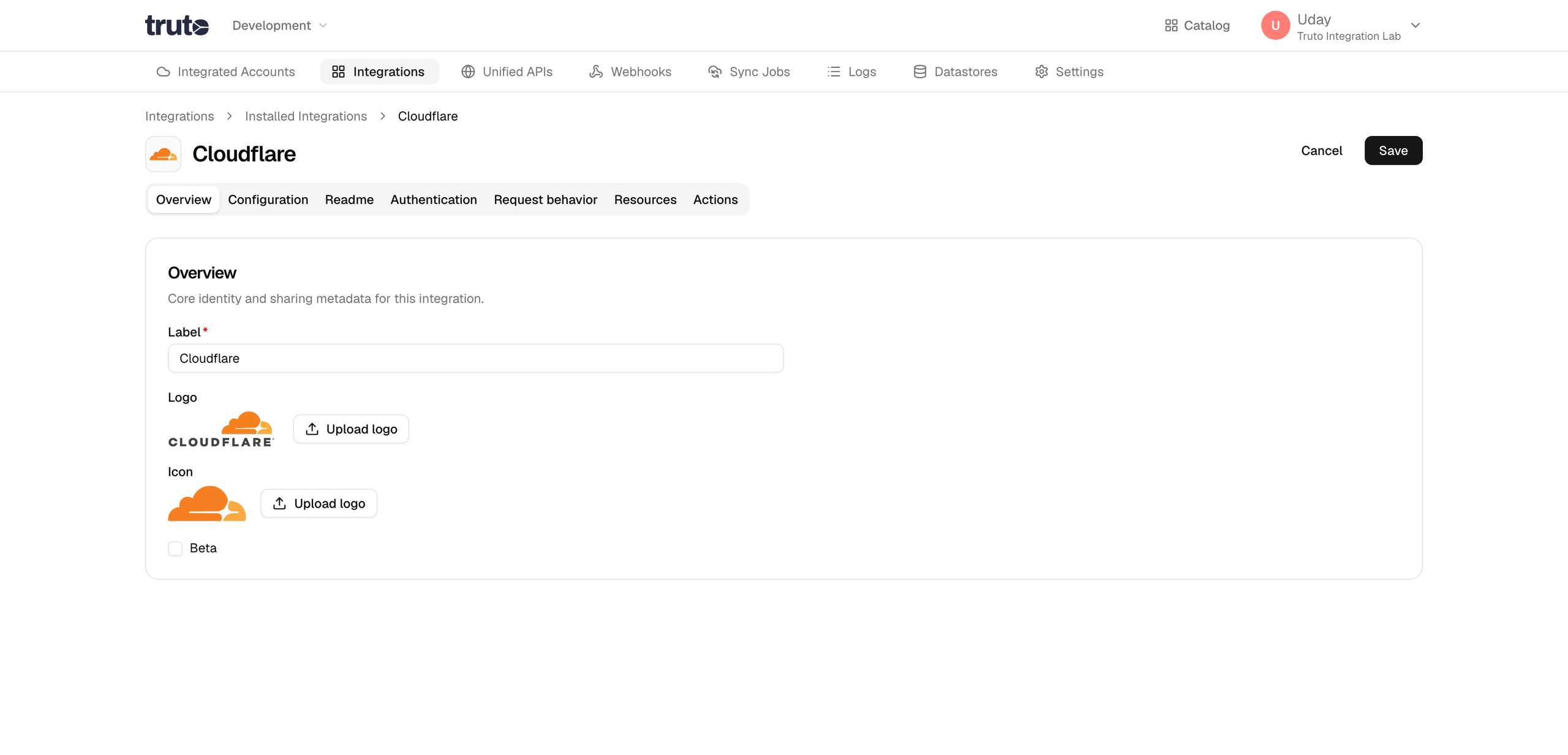
- Open the … menu and choose Edit.
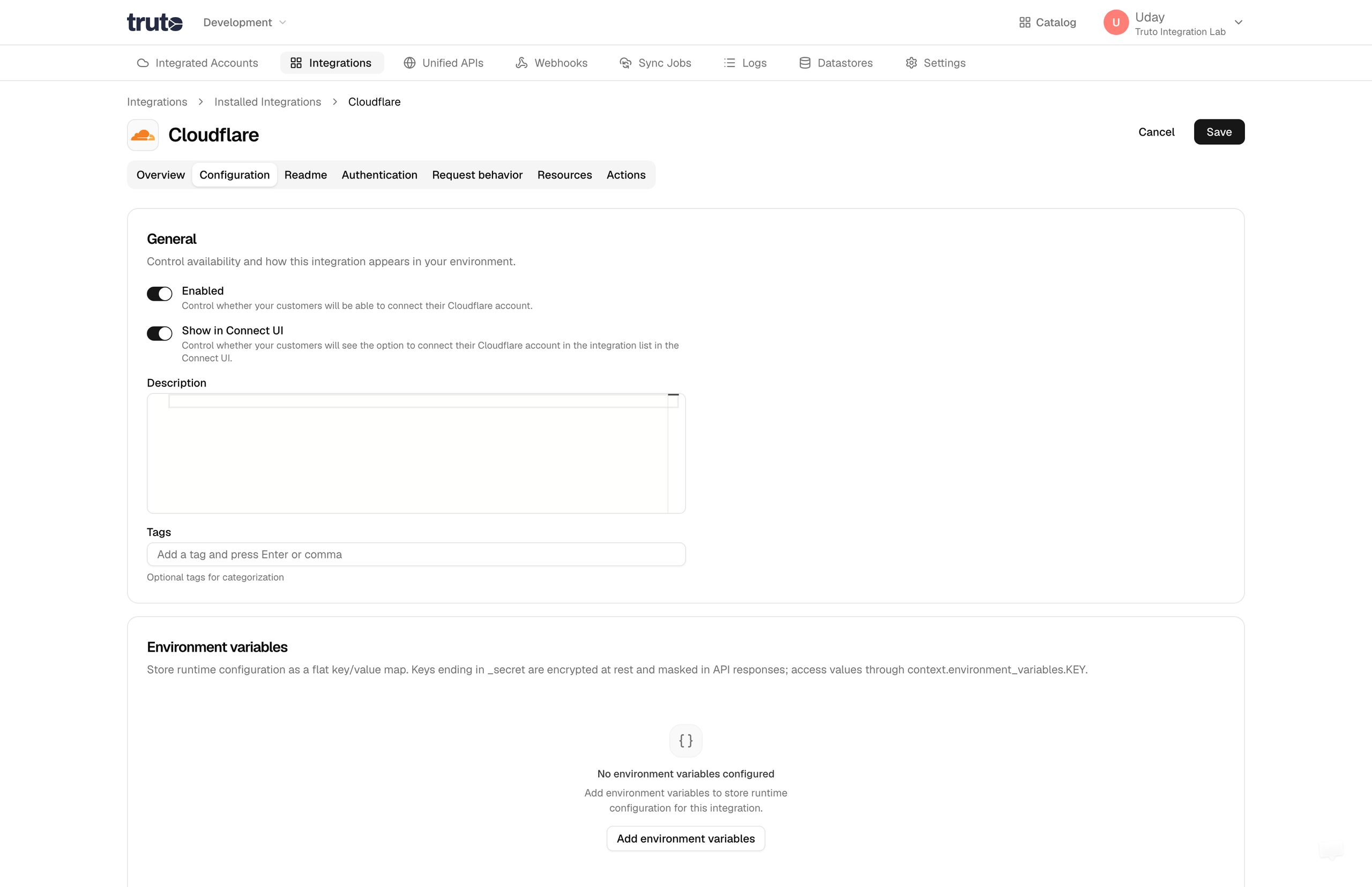
- On Resources, expand
members, then List.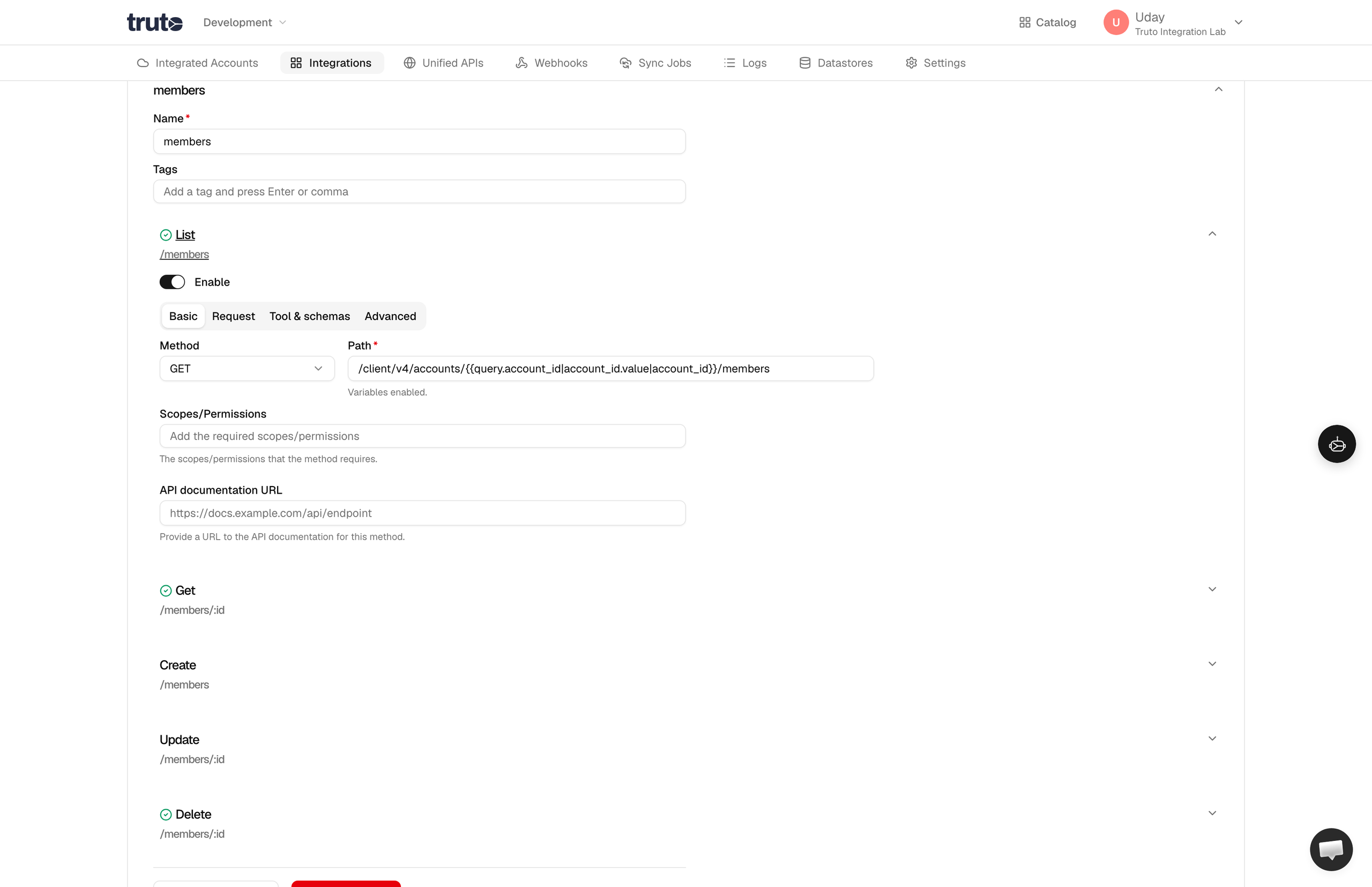
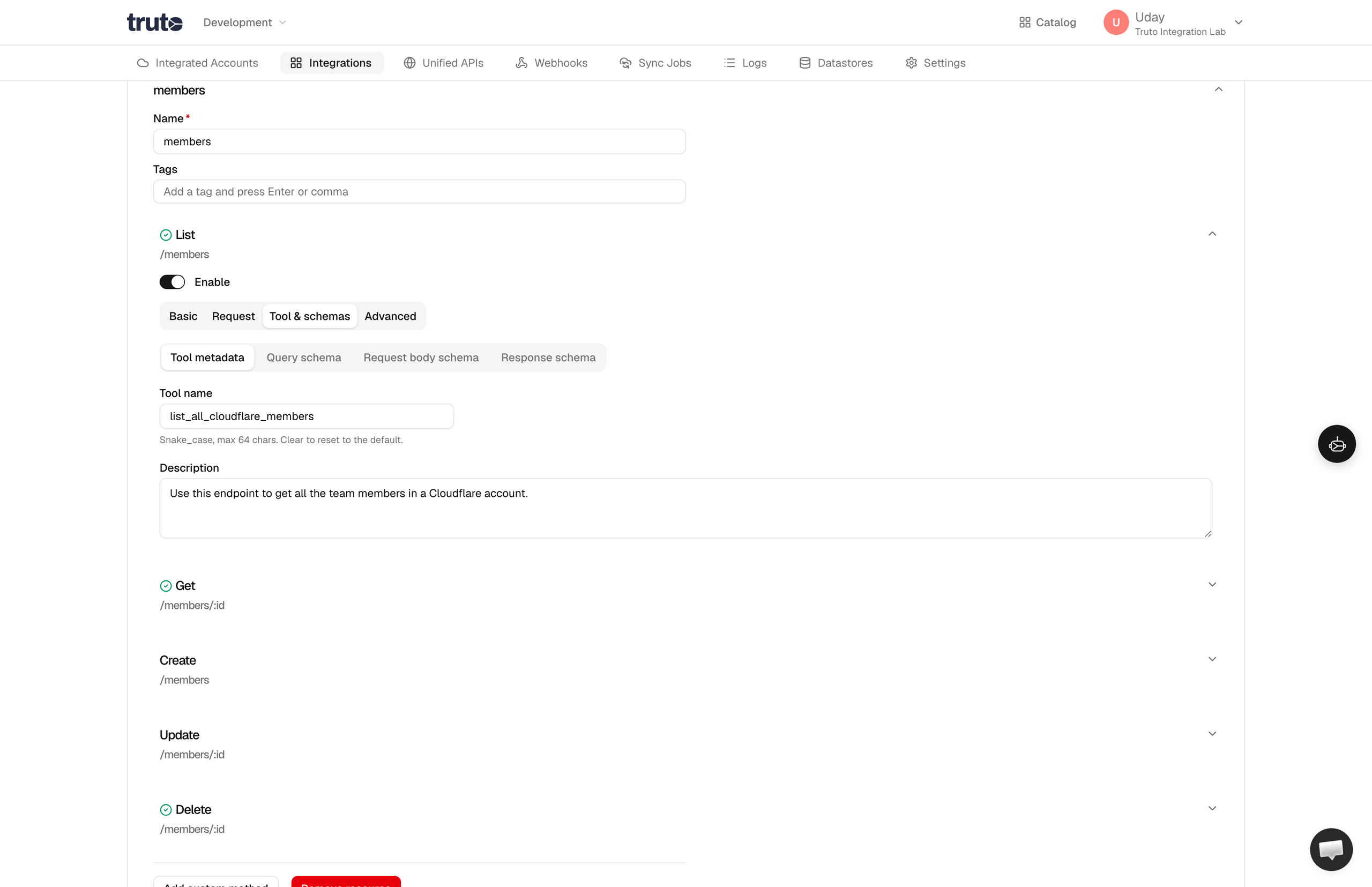
- Under Tool & schemas → Tool metadata, enter a Description (and optionally a Tool name). The description becomes the tool's description.
- Under Tool & schemas → Query schema, describe the query parameters the API accepts.
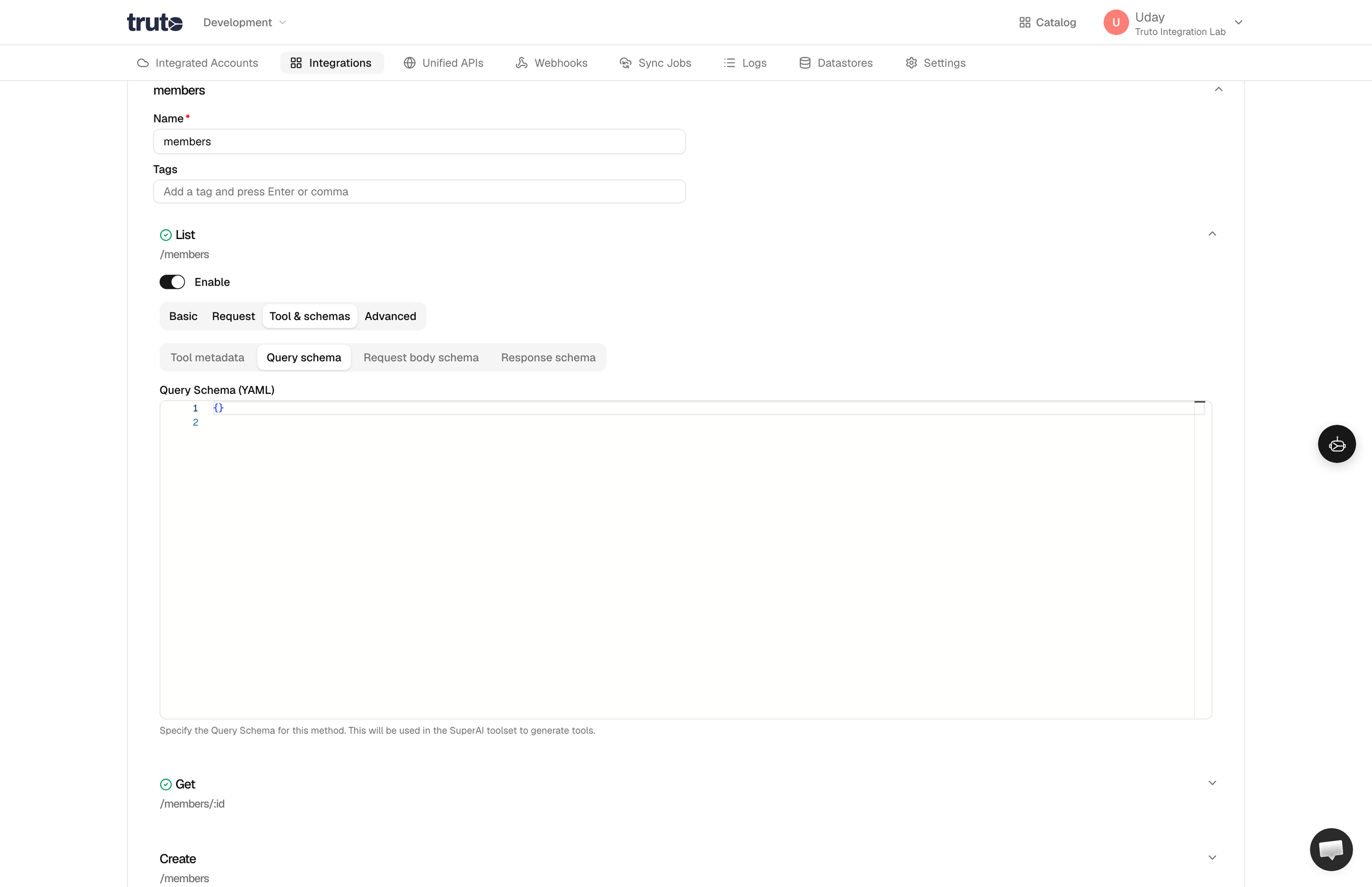
- Click Save.
- Now connect a Cloudflare account using Truto and make a note of the integrated account ID. You can refer to our guide on connecting accounts.
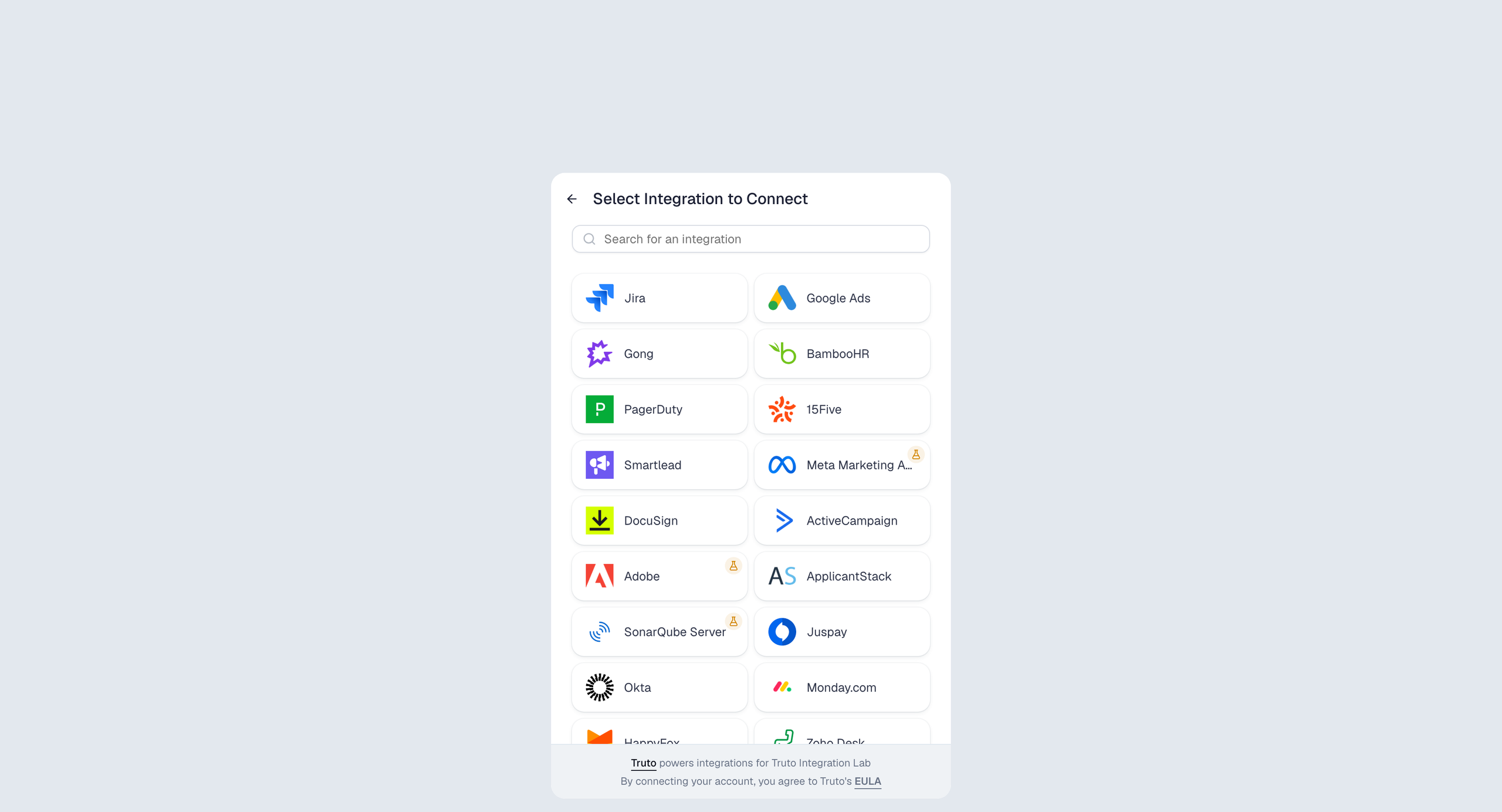
- After you have the integrated account ID for a Cloudflare integration, call the tools endpoint (API Reference):
curl https://api.truto.one/integrated-account/<integrated_account_id>/tools \
  -H "Authorization: Bearer <API token>"
truto accounts tools <integrated_account_id>
You'll receive the List Members Proxy API as a tool in the response, which can now be used with LLM providers of your choice. Our LLM SDKs use this /tools endpoint to register tools in the LLM framework. You can refer to our Langchain SDK to see how it works.
Tool definitions are cached per account for up to about 6 minutes, so an edit shows up in /tools and MCP tools/list within that time.
For completeness, let's improve the tool description for the List Member endpoint.
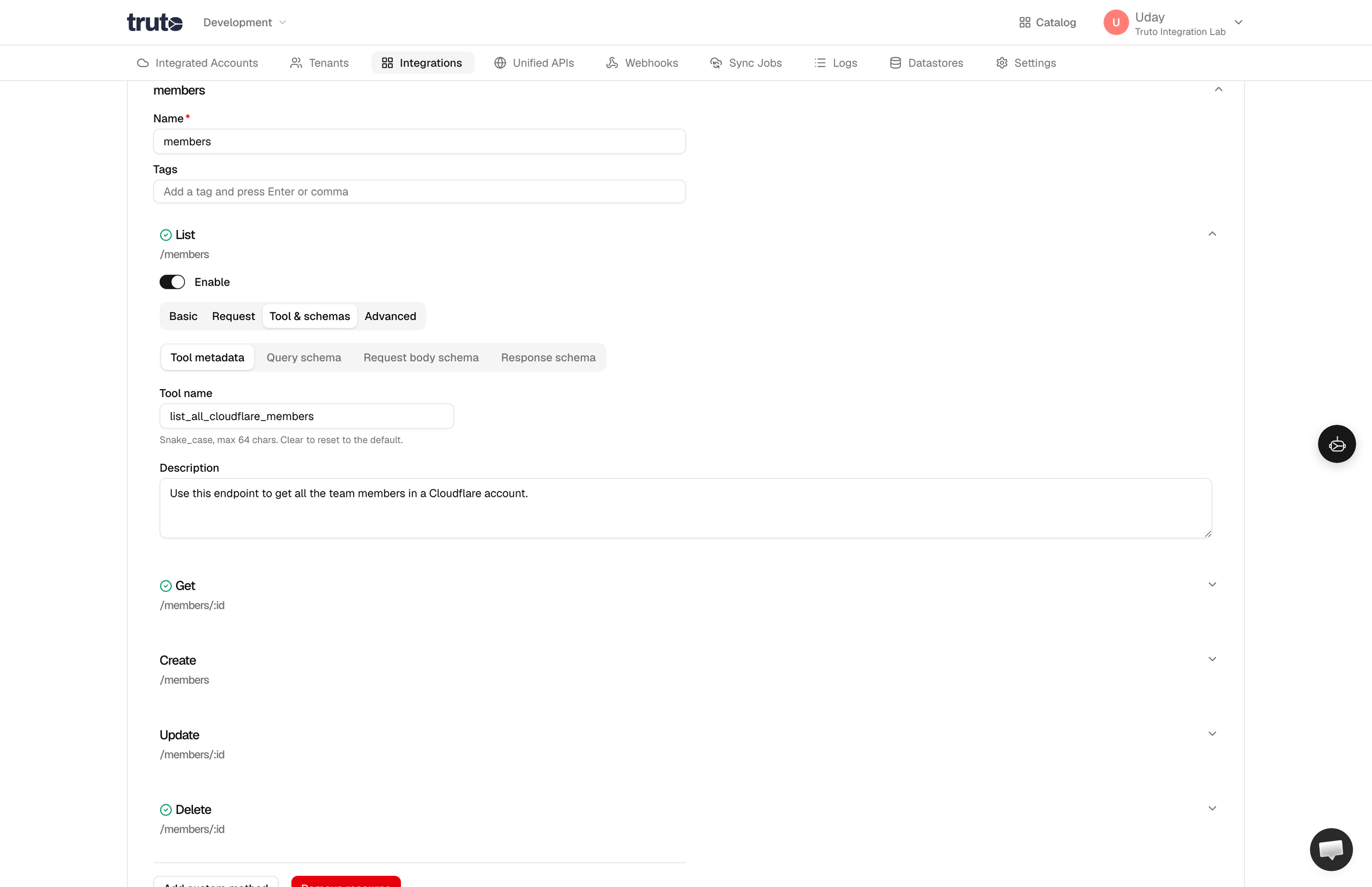
And then call the /tools endpoint again.

Once the cache refreshes, the response carries the new description.
Name and tag a tool
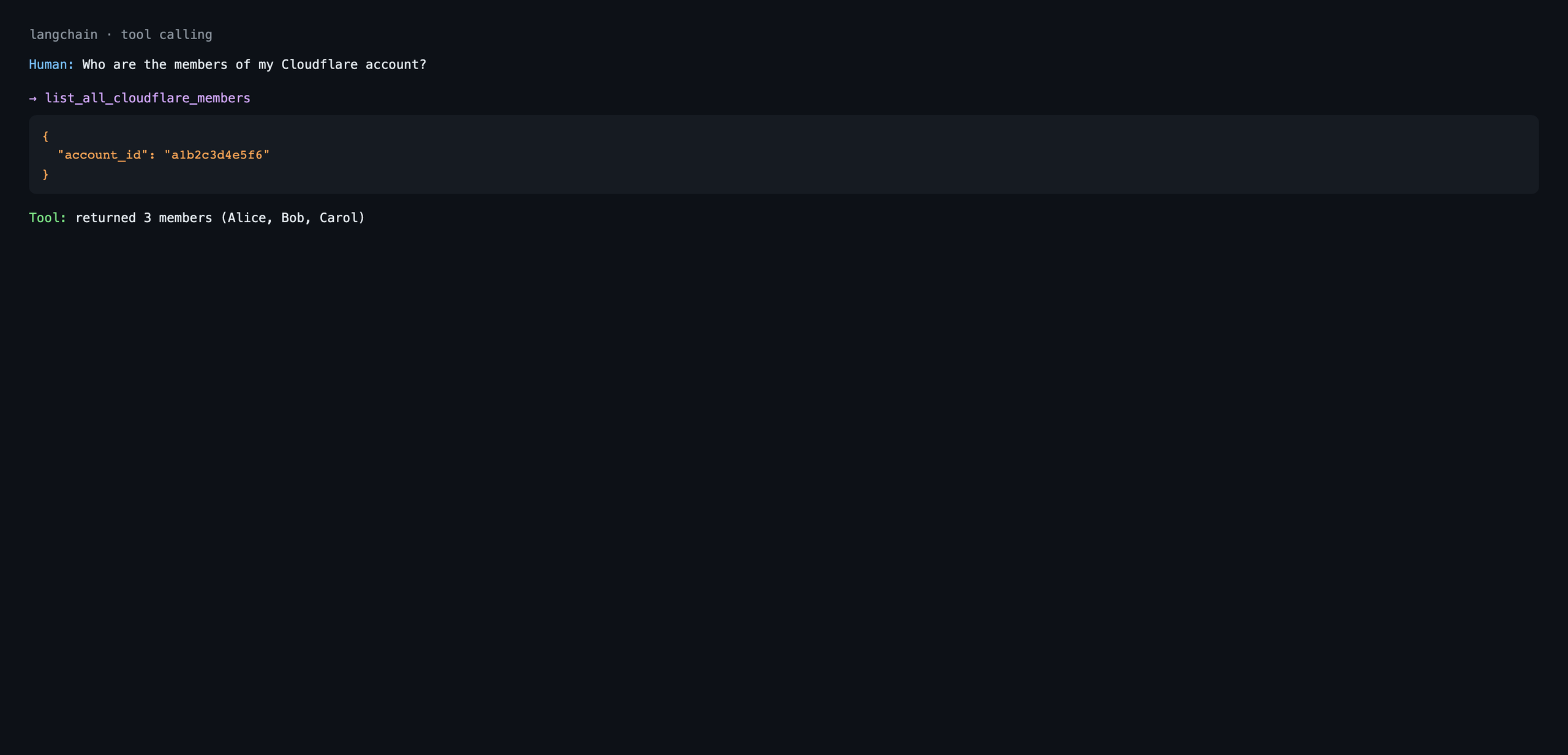
On the method's Tool & schemas → Tool metadata tab, set Description first; Tool name appears once it has text. Names use lowercase letters, digits and underscores, up to 64 characters, and must be unique within the integration. Clear the field to go back to the generated name (for example list_all_cloudflare_members).
Add tags to the resource (Tags) or the method (Basic → Method tags). A tool carries both sets, and GET /integrated-account/<id>/tools?tags[0]=contacts returns tools carrying any listed tag.
Seeing it in action
We've created an example file in the Truto Langchain.js SDK repo. You can install Bun and run bun run examples/index.ts to see it in action.
Serving tools over MCP
The same tools can be served to any MCP client through a per-integrated-account MCP server: create one on the account, scope it by method and tag, and give the agent its URL. See MCP servers for an integrated account.
Tools API reference
You can refer to the API reference for the tools endpoint here.
The tools endpoint accepts the following query parameters to help you filter the tools based on your requirements:
methods- an array of strings to filter the tools based on the type of method. For example, if you just want read-only and custom tools, you can specifymethods[0]=read&methods[1]=custom. This will return any non-write tools available on the integrated account. Accepted values areread(getandlist),write(create,updateanddelete),custom(any other method), or an exact method name such assearch.tags- an array of strings. Only tools carrying at least one of these tags are returned, for exampletags[0]=contacts.has_description- tools without a description are left out by default. Passhas_description=falseto include them.