Overview
Install an integration from the catalog into an environment, and your customers can connect their accounts to it.
Skip the reading — fast path for coding agents
truto environment-integrations create --integration-id <integration_id>/skill truto-cli
An integration is Truto's configuration for one provider's API: how its users sign in, where requests go, and which resources it has. The catalog lists every integration Truto offers. An installed integration is that integration switched on in one of your environments.
Available integrations
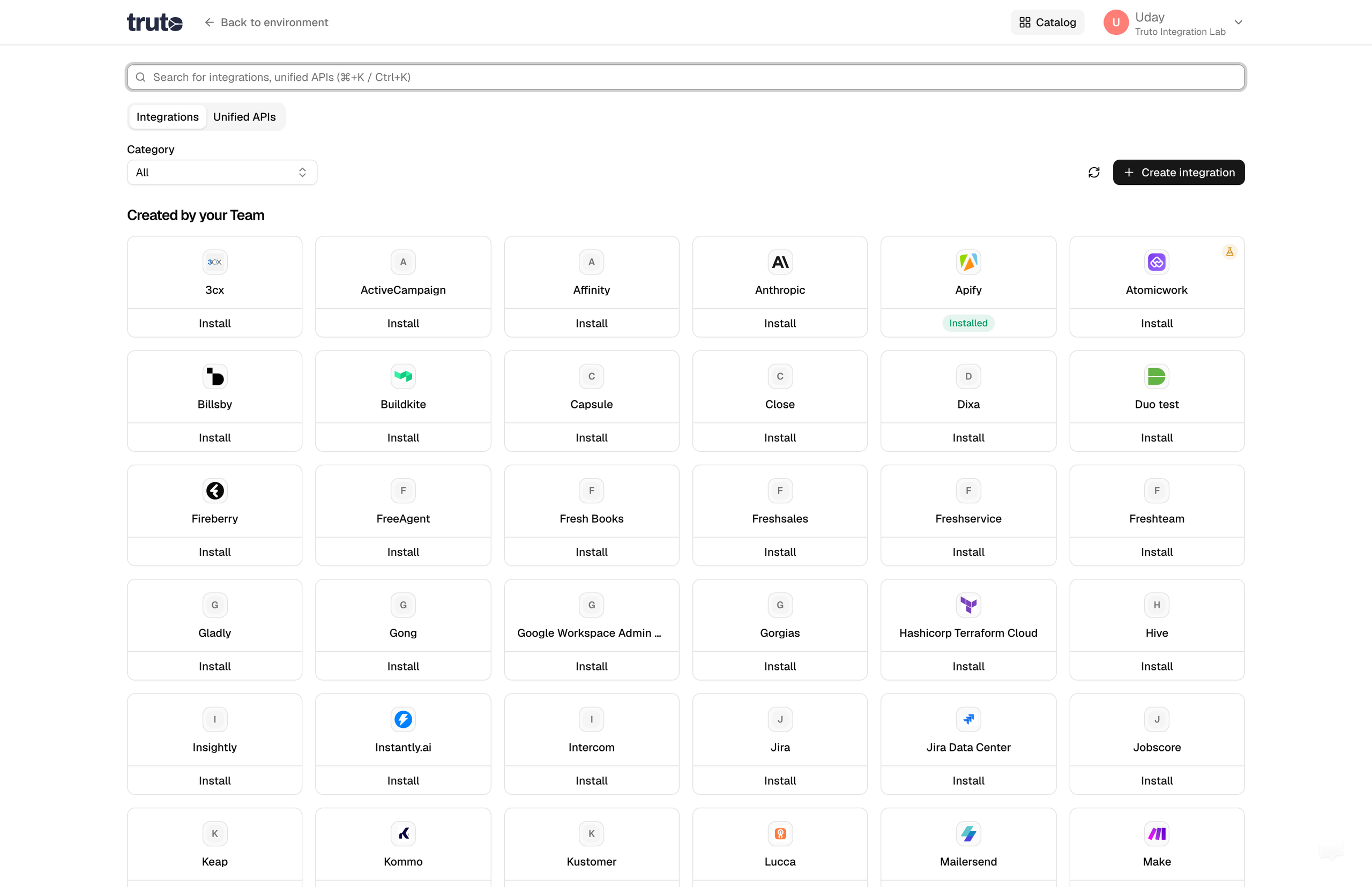
Click Catalog in the top bar of the dashboard. The catalog has two tabs under the search box, Integrations and Unified APIs. A card on the Integrations tab shows one of:
- Install: you can install it now.
- Installed: it is installed in every environment.
- Request: it isn't on your plan. Click to ask for it.
- Fast track: it is coming soon. Click to ask Truto to prioritise it.
If the API you need isn't listed, ask Truto support, or create the integration yourself.
Installing an integration
-
Click Catalog in the top bar and find the integration on the Integrations tab.
-
Click Install, check the environments to install it in, and click Install. A new team has the environments
development,stagingandproduction. Environments where the integration is already installed are greyed out.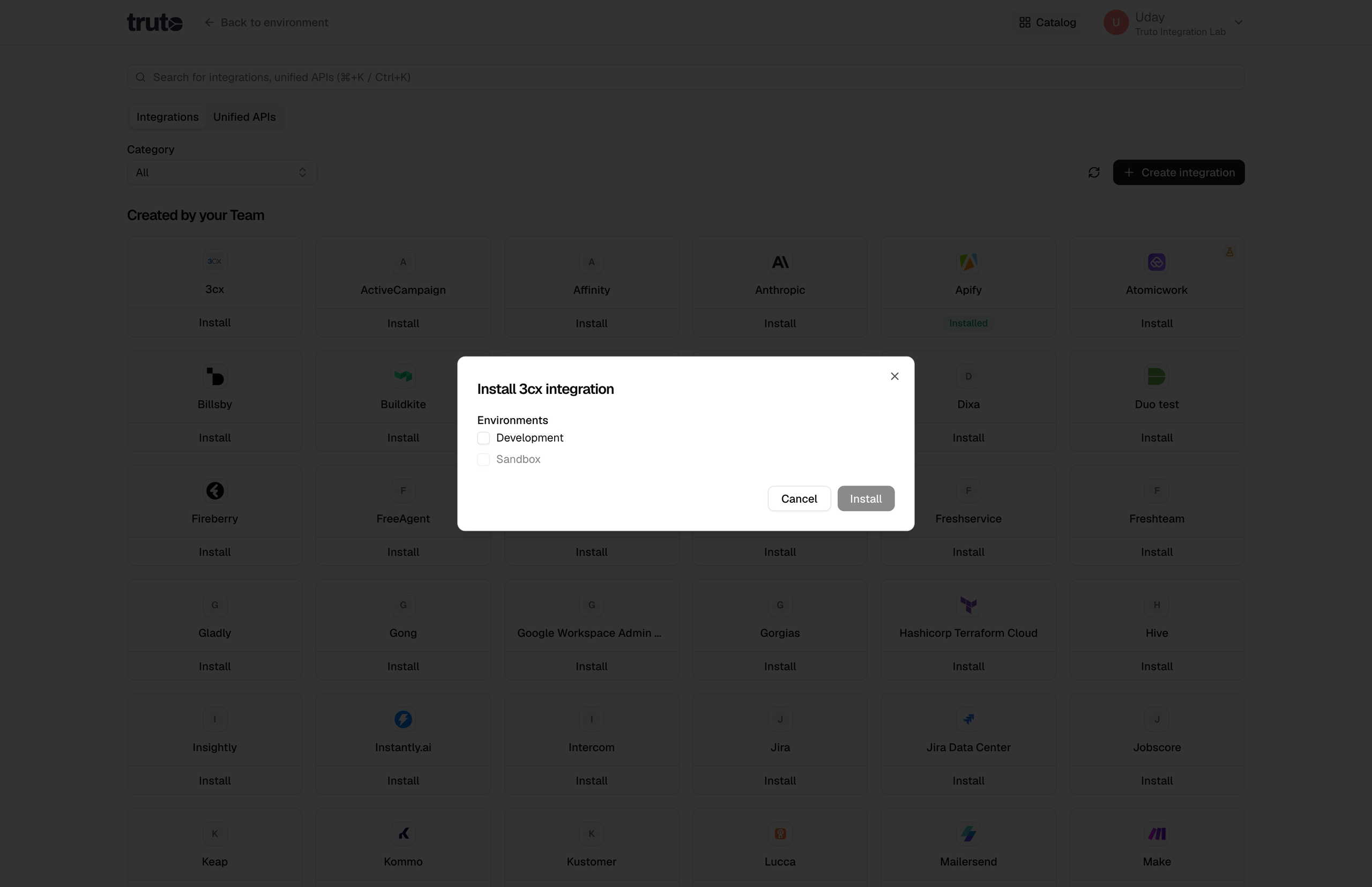
If the integration needs your own OAuth app or AWS key, the button says Continue, and a second step asks for its credentials, such as the Client ID and Client Secret from your app. Add the Redirect URL shown there to your app. Click Skip to add them later on the Configuration tab; until then, the integration can't connect.
-
The integration now appears on the Integrations page.
To install through the API, send the integration's ID:
curl -X POST "https://api.truto.one/environment-integration" \
  -H "Authorization: Bearer <API token>" \
  -H "Content-Type: application/json" \
  -d '{"integration_id": "<integration_id>"}'
truto environment-integrations create --integration-id <integration_id>Next
Connect an account to the integration, or change its configuration for this environment first.