Sync Jobs overview
A sync job is a reusable pipeline that pulls data from integrated accounts and writes it to webhooks, datastores (version 4) or SuperQuery tables (versions 1 to 3). You define the job once in your environment, then run it many times — each execution is a sync job run.
Skip the reading — fast path for coding agents
truto sync-jobs list -o json/skill truto-cli
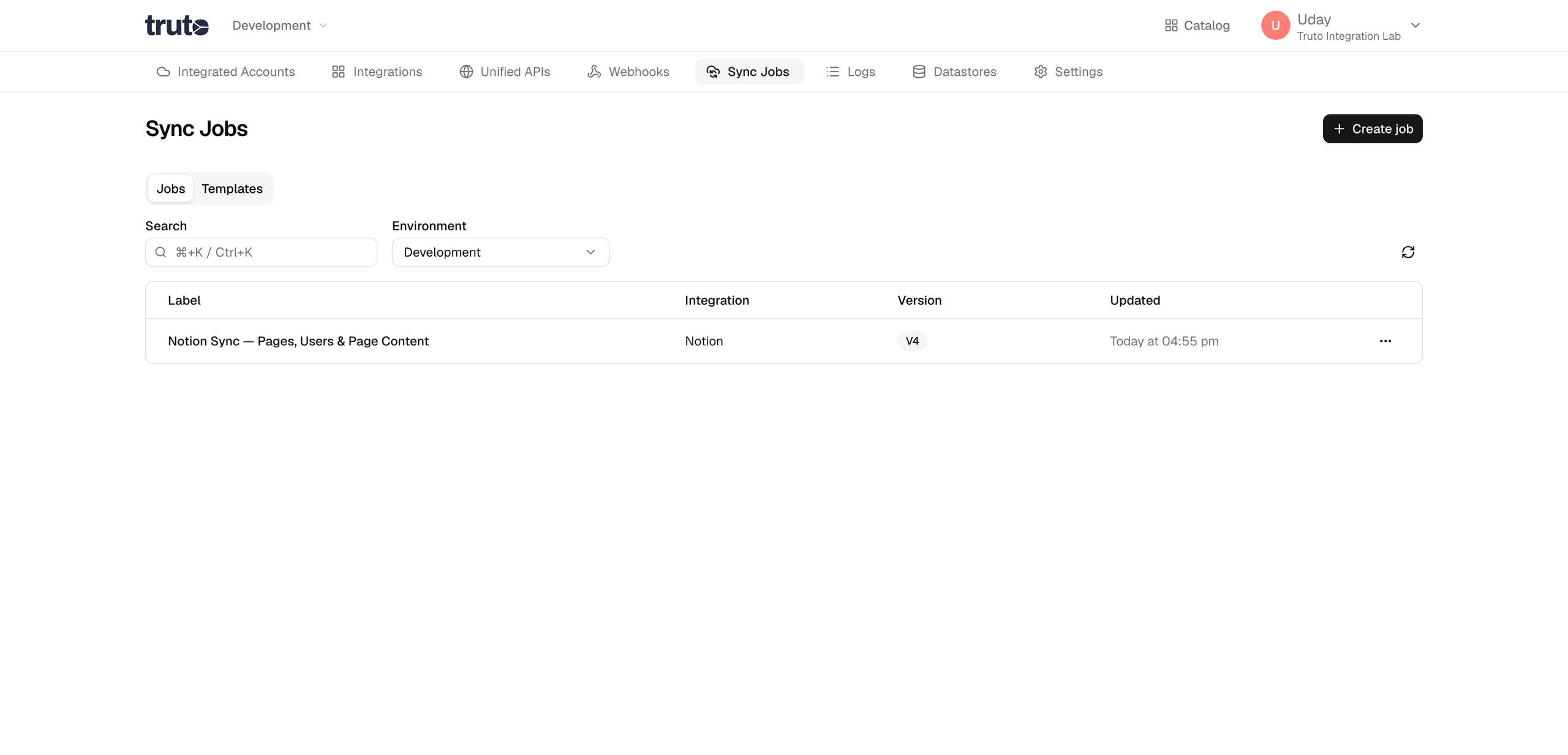
In app.truto.one, open Sync Jobs in the top navigation bar. The page has two tabs — Jobs and Templates — plus detail views for individual jobs, their runs, and their schedules.
For a screen-by-screen walkthrough, see Using the Sync Jobs UI. To stream records to a webhook on a schedule, start with the V4 sync job reference; jobs on runtime versions 1 to 3 are covered in the RapidBridge overview.
Sync jobs
A sync job holds the pipeline definition: which resources to fetch, how to transform them, and where to send the results. Each job has a Label, an Integration (required on versions 1 to 3), a Runtime version (version 4 is recommended for new jobs), and a Resources JSON definition.
From the Jobs tab you can search jobs, filter by environment, create a job, or open one to view its details.
Sync job runs
A sync job run is one execution of a sync job. On versions 1 to 3 a run reads one integrated account and sends to one destination. On version 4 the accounts and destinations usually come from the run's args, and one run can read several accounts. Runs move through statuses such as Created, Running, Rate limited, Completed, Failed, and Stopped.
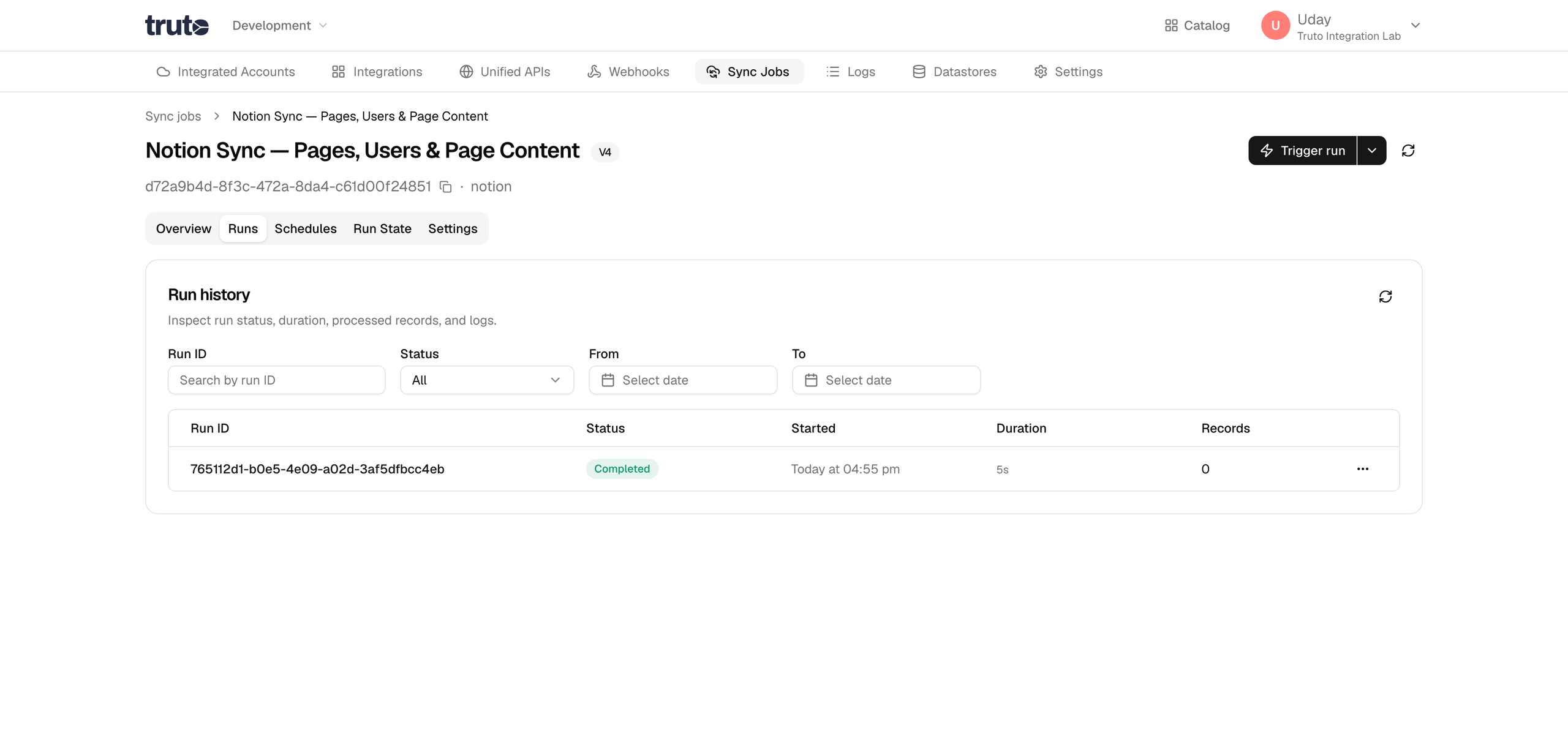
Trigger a run from a job's detail page with Trigger run, or let a schedule create runs automatically. Open the Runs tab on a job to filter by status or date, inspect duration and record counts, and drill into a single run.
When an account needs reauthentication
- On runtime versions 3 and 4, a run ends Failed as soon as it starts when every one of its integrated accounts that still exists needs reauthentication (status
needs_reauth). On version 4, those are the accounts named in its arguments whoseargs_schemaformat isintegrated_account_id. The run fetches nothing and leaves the job's incremental state where it was, so no data is skipped later. - On version 4, a provider
401partway through a run marks that accountneeds_reauth, and the run ends Failed once every account named in its arguments needs reauthentication. Versions 1 to 3 mark the account and carry on. - The run's
sync_job_run:failedevent carries a401error withtruto_error_code: integrated_account_needs_reauth. - Schedules keep firing, and each scheduled run fails this way and sends its own
sync_job_run:failedevent, until you reauthorize the account or set itsstatusback toactivewithPATCH /integrated-account/{id}. The first run after that syncs again. Updating the account's credentials withPATCH /integrated-account/{id}/credentialsdoesn't change its status. - An account that stays
needs_reauth, with no change, for 7 days also becomes stale: Truto then refuses its API calls as well, and pauses its token refreshes and scheduled actions. A scheduled run whose accounts are all stale then ends Failed as soon as it is due, without starting, until the account is reconnected. Itssync_job_run:failedevent carries the same code, says the account is paused, and is the run's only event: nosync_job_run:createdorsync_job_run:startedcomes before it.
Schedules
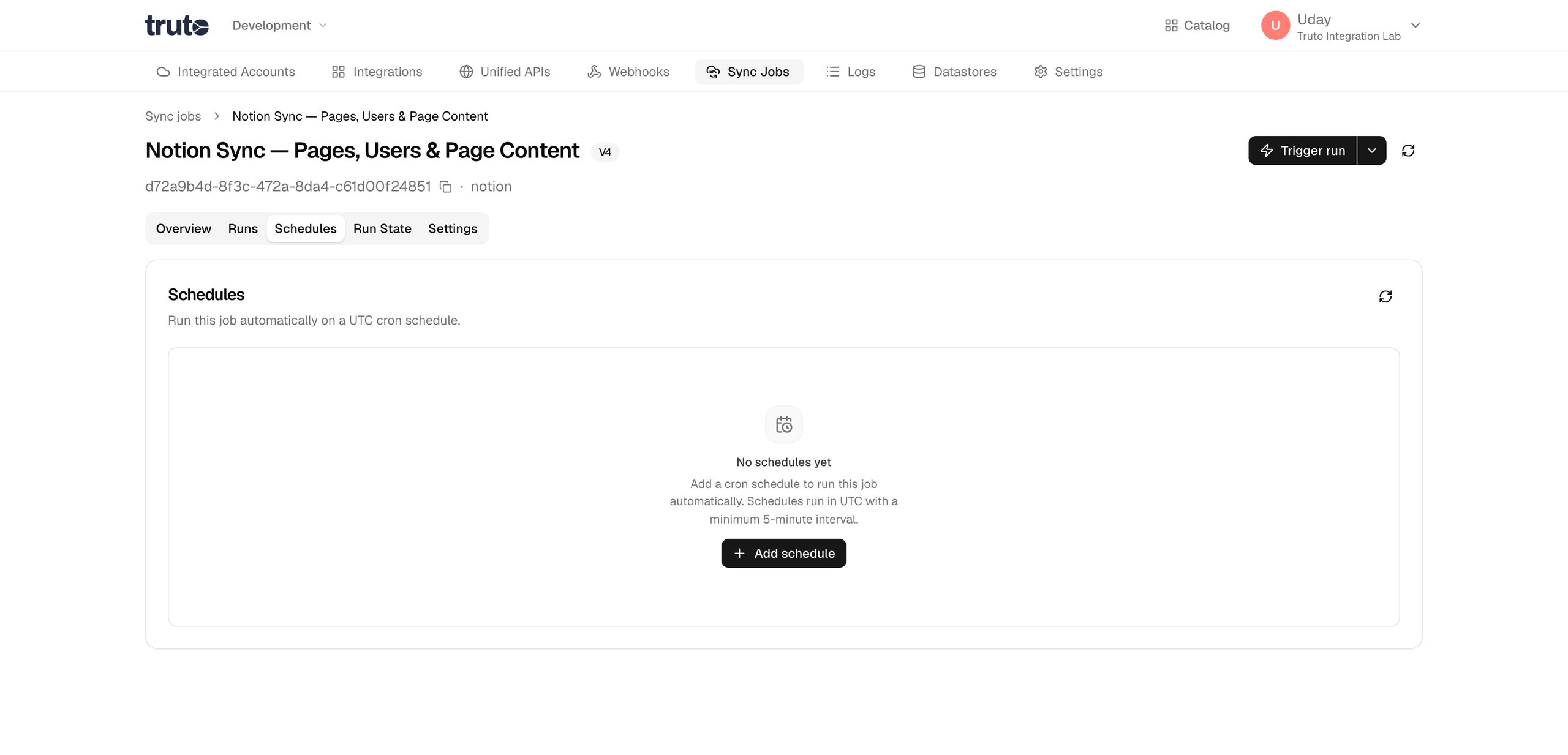
Schedules attach a UTC cron expression to a sync job so it runs automatically, with the same account and destination (versions 1 to 3) or the same arguments (version 4) each time. From the Schedules tab on a job, click Add schedule to set when it runs and what each run gets. Schedules run in UTC with a minimum five-minute interval.
A schedule doesn't fire exactly on the cron boundary. Each schedule gets a fixed offset inside its interval, up to 5 minutes for */5 and up to an hour for hourly or longer, so 0 9 * * * runs at the same time every day, somewhere between 09:00 and 10:00 UTC. GET /log?log_type=sync_job_cron_trigger lists every fire and its outcome.
When a run is due while an earlier run is still going, Truto skips it and sends sync_job_cron_trigger:failed. On versions 1 to 3 that's an earlier run for the same account and arguments; on version 4, one with the same mutex_key. A version 4 job without a mutex_key is never skipped, so its scheduled runs can overlap.
If a scheduled run is refused, for example because its webhook or an account it reads was deleted, or its arguments no longer pass the job's checks, the schedule stops firing even though it still shows Active. No webhook event says so: the fire's row in GET /log?log_type=sync_job_cron_trigger is the only trace. Fix the cause, then open Edit on the schedule and click Save, or send POST /sync-job-cron-trigger/{id}/schedule.
To stop a schedule for a while without deleting it, open Edit on it and turn off Active, or send PATCH /sync-job-cron-trigger/{id} with {"is_active": false}. An inactive schedule doesn't run. It creates no run and sends no webhook, so the job's incremental state stays where it was. A run that had already started when you turned it off keeps going. Turn Active back on, or send {"is_active": true}, and the schedule runs again at its next scheduled time. You can also create a schedule inactive: turn off Active in the form, or send "is_active": false in the create body.
Templates
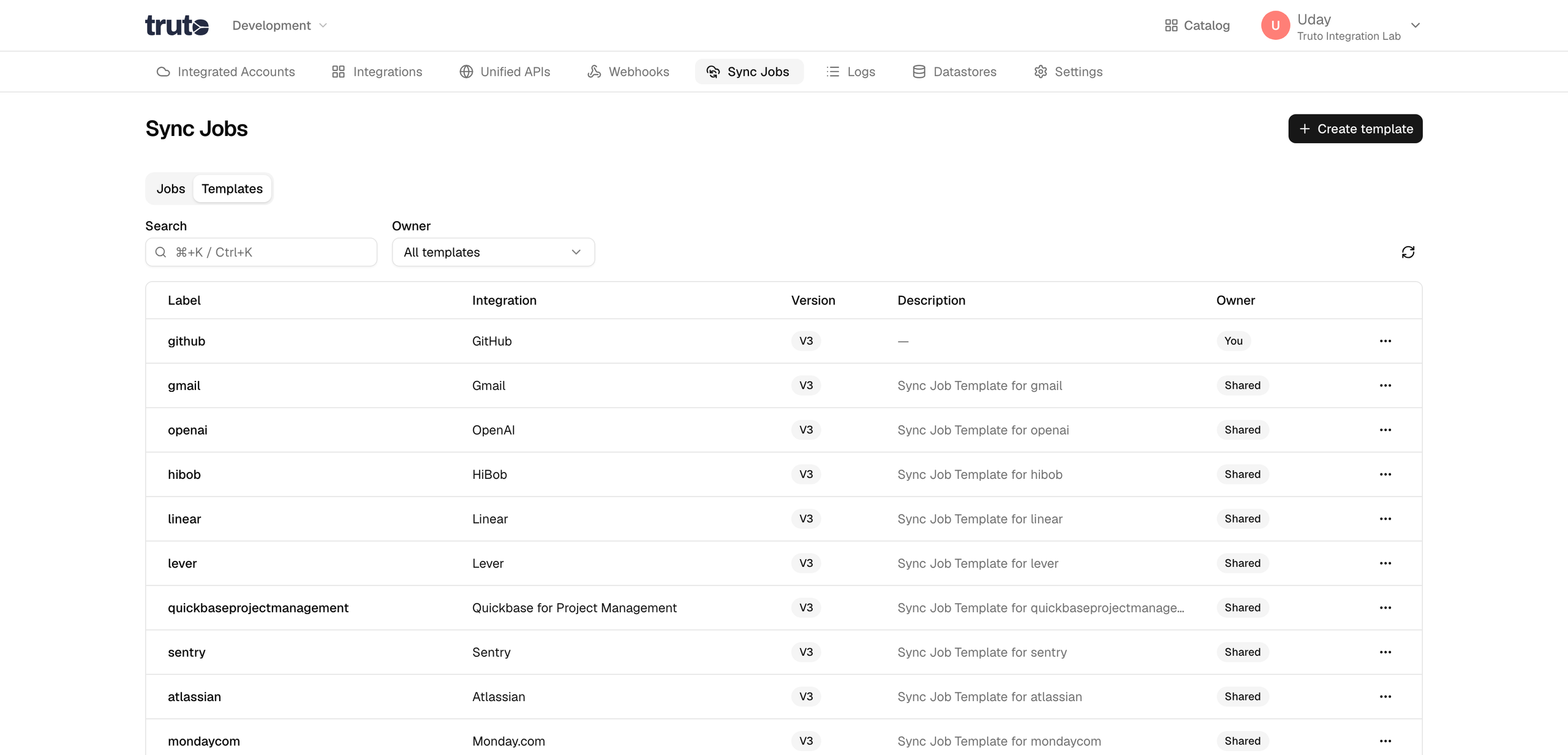
Templates are reusable sync job blueprints. Use them to share a pipeline across environments or to scaffold a new job without copying JSON by hand. The Templates tab lists each template's label, integration, version, description, and owner (You for templates you created, Shared for templates shared with you).
Create a template with Create template, or open the row menu and choose Create job from template to start a new job from an existing blueprint.
Job detail views
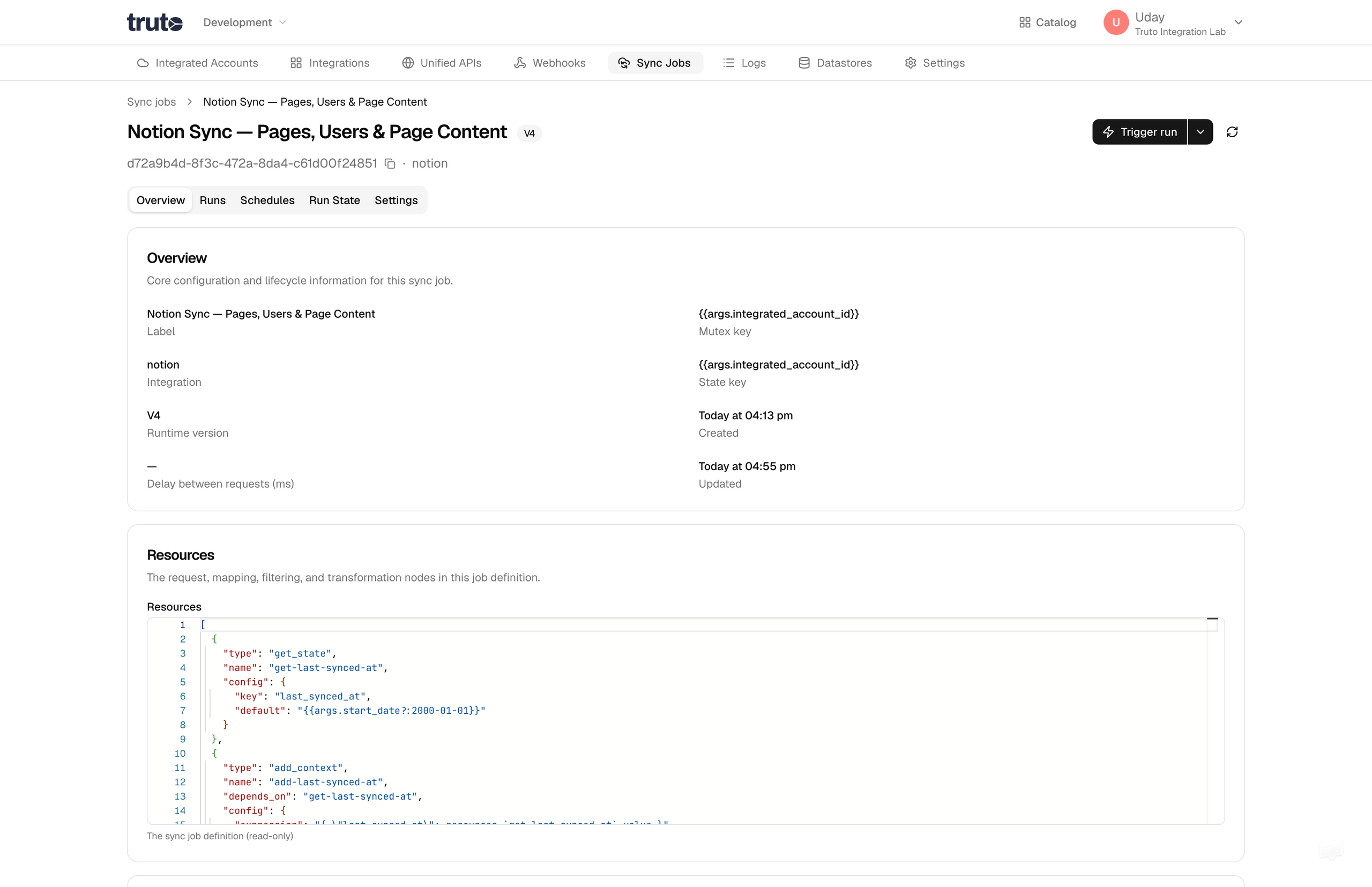
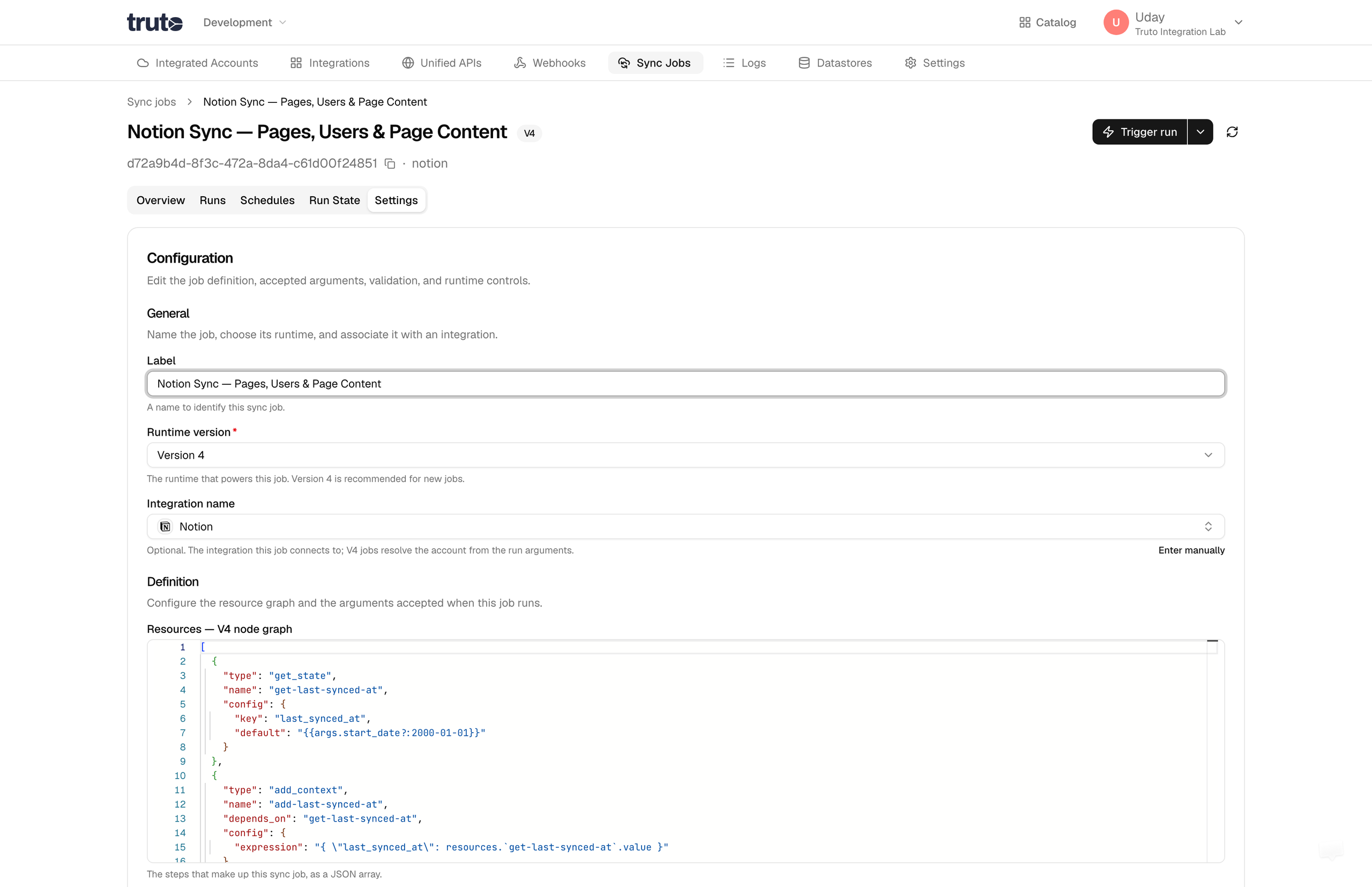
Click a job's label on the Jobs tab to open its detail page. Tabs along the top let you switch between:
- Overview — read-only summary of label, integration, runtime version, mutex and state keys, and the resources definition.
- Runs — execution history for this job.
- Schedules — cron triggers for this job.
- Run State — inspect and reset the incremental sync state this job keeps, when the job has a state key.
- Settings — edit the job definition or delete the job.
The menu next to Trigger run also opens Version history: every saved version of the job, which you can compare and restore. See Version history.
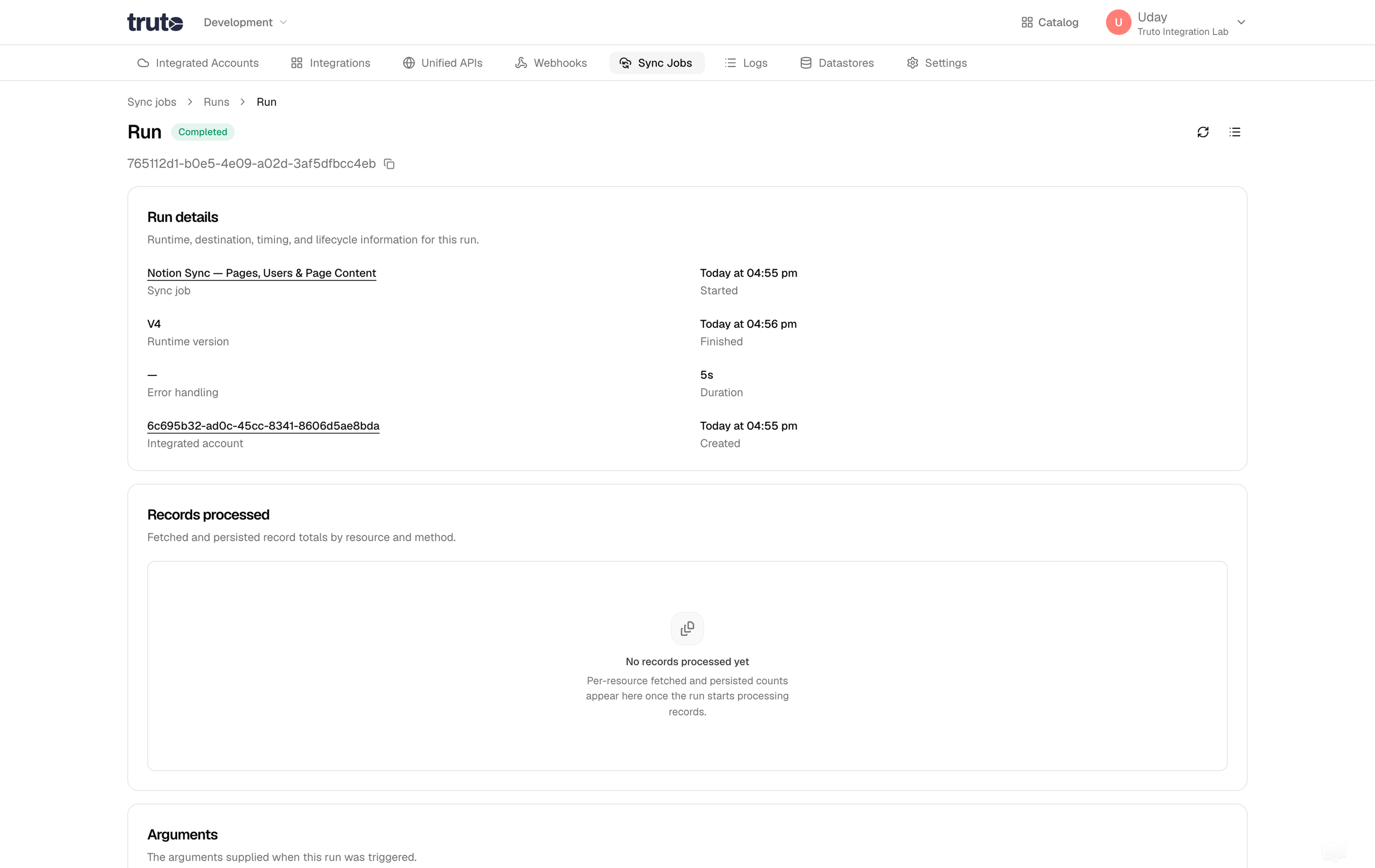
Click a run ID on the Runs tab to open the run detail page. There you can see status, timing, error handling, destination arguments, records processed per resource, and the arguments passed for that run. Active runs can be stopped with Stop run.
List sync jobs from the API
GET /sync-job lists the sync jobs in your API token's environment, with each job's label, integration and runtime version.
curl https://api.truto.one/sync-job \
  -H "Authorization: Bearer <API token>"
truto sync-jobs list -o jsonimport TrutoApi from '@truto/truto-ts-sdk'
const trutoApi = new TrutoApi({ token: process.env.TRUTO_API_TOKEN })
const syncJobs = await trutoApi.syncJob.list().toArray()from truto_python_sdk import TrutoApi
truto_api = TrutoApi(token="<API token>")
sync_jobs = await truto_api.sync_jobs.list().to_array()