Adding/Editing Context Variables in an Integrated Account
Add, change or remove the variables of one integrated account, from its page in the dashboard or with one API call.
Skip the reading — fast path for coding agents
truto accounts update <integrated_account_id> --context '<json>'/skill truto
What are variables?
Variables are the values one integrated account needs beyond its credentials, such as a Shopify subdomain. They live in the account's context, and you reference them in integration config as {{ variable_name }}.
OAuth tokens and standard credential fields such as API keys and passwords are stored on the account but hidden here, and saving variables doesn't change them. To replace a credential, reconnect the account or call PATCH /integrated-account/{id}/credentials.
Add and edit variables in the dashboard
- Open Integrated Accounts.
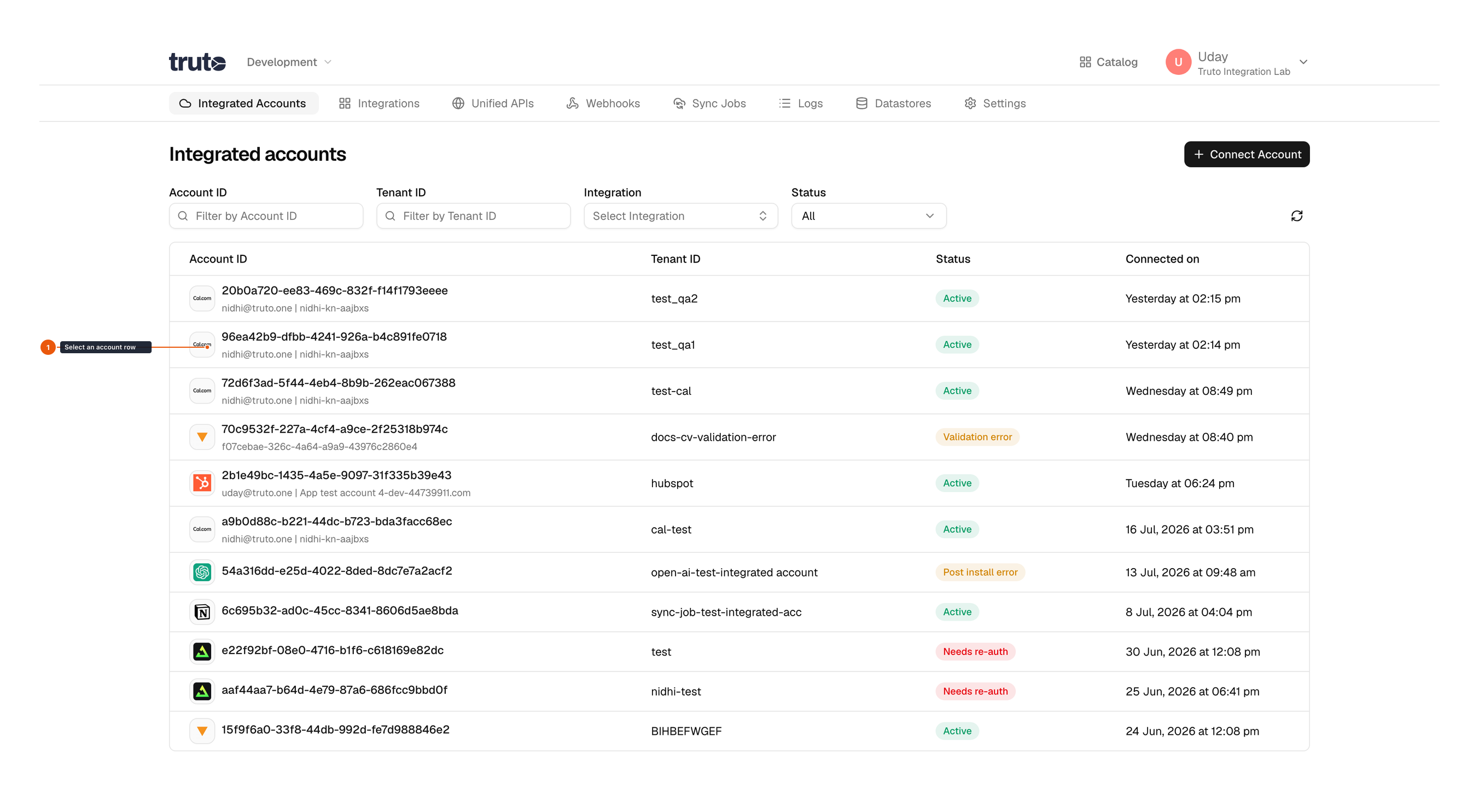
- Select an integrated account. Its page has a Variables section.
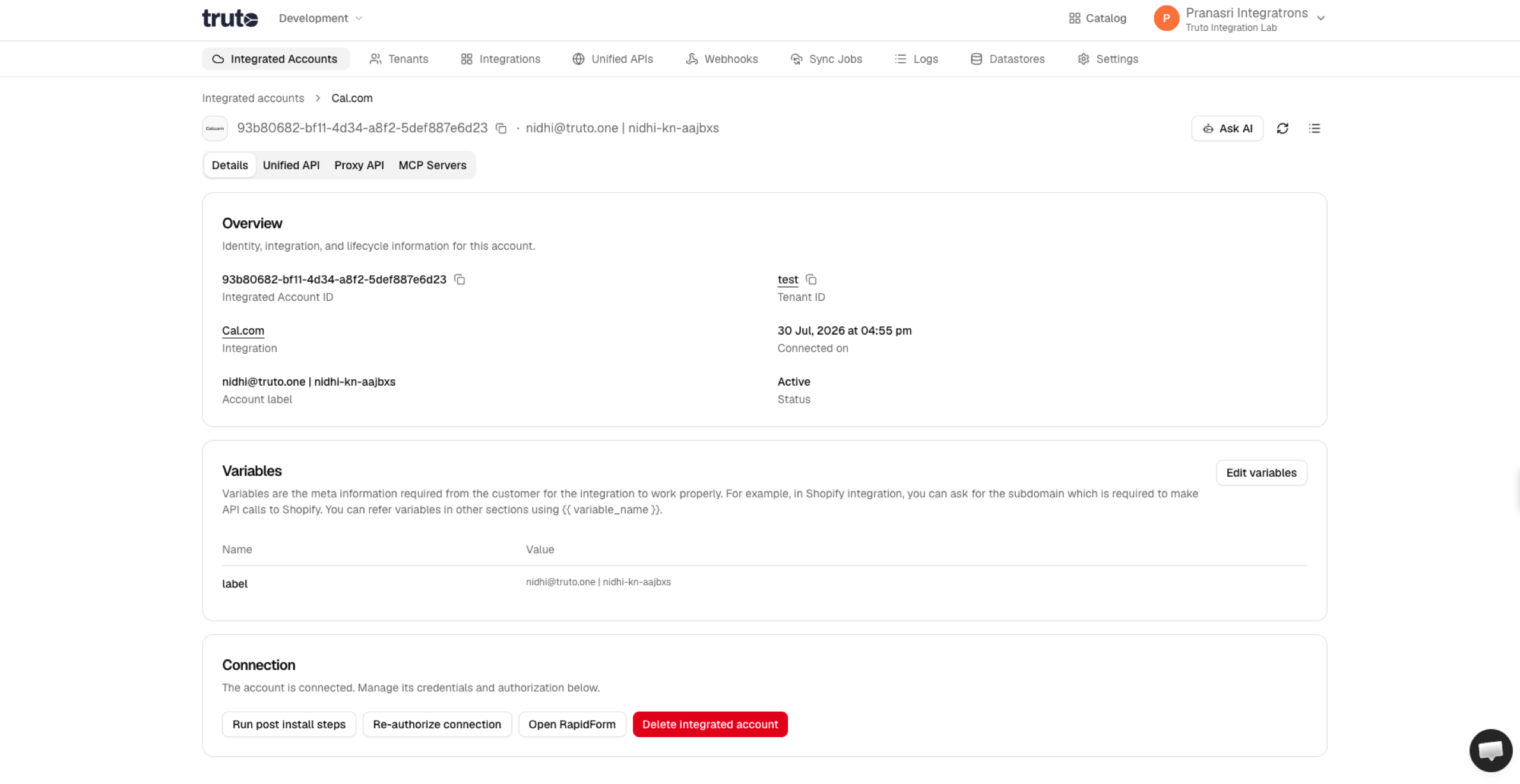
- Click Edit variables (Add variables when the account has none). A side panel opens where you can add variables, edit them, or delete them.
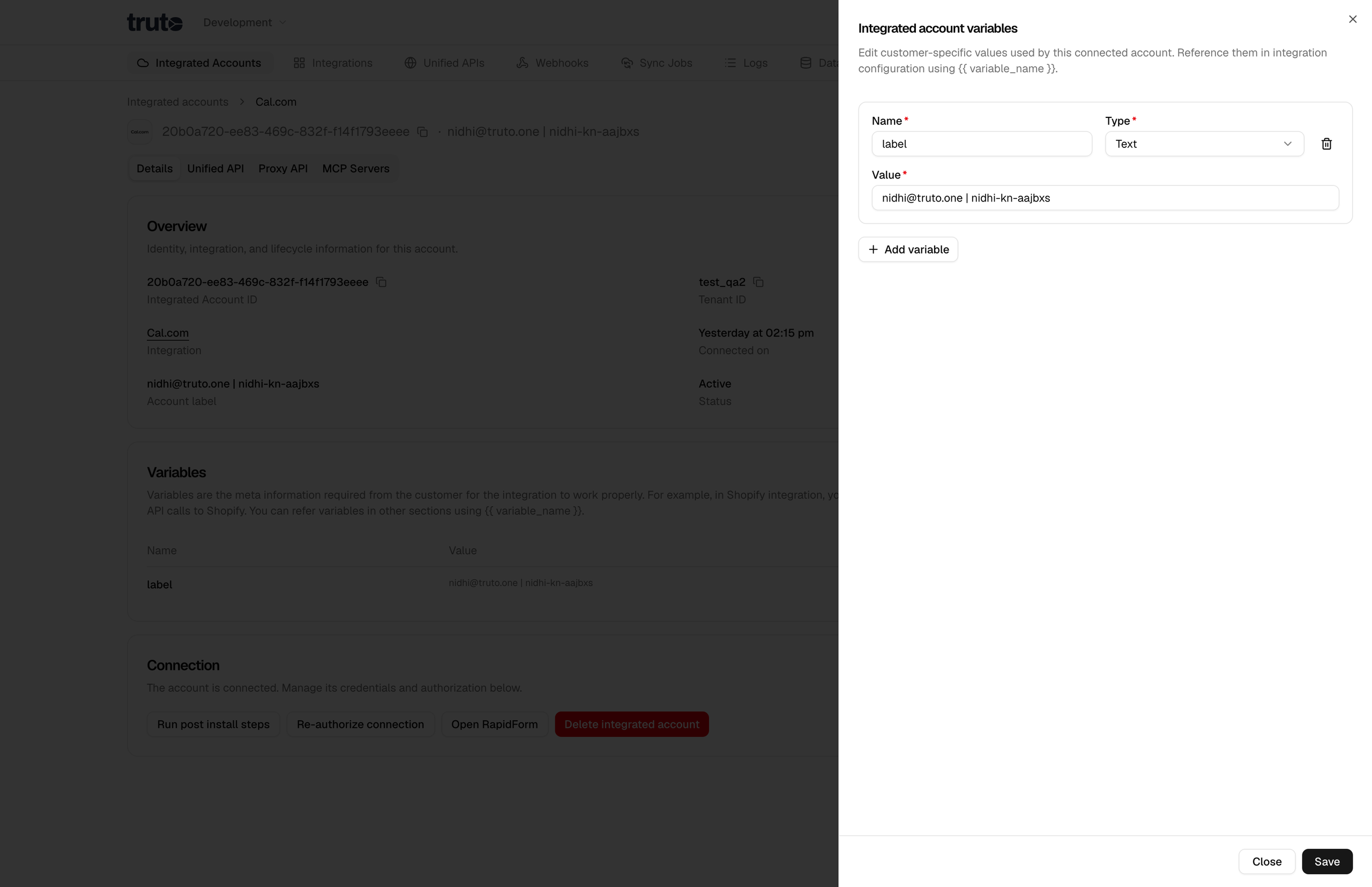
- Click Save. A variable you deleted in the panel is removed from the account.
Change variables through the API
PATCH /integrated-account/{id} replaces the account's variables with the context you send. Any variable you leave out is deleted. Credentials the read hides (OAuth tokens, API keys, passwords) are kept; anything the read returns must be sent back. To change one variable, read the account, edit context, and send the whole object back.
# 1. Read the account; its variables are in `context`
curl https://api.truto.one/integrated-account/<integrated_account_id> \
  -H "Authorization: Bearer $TRUTO_API_TOKEN"

# 2. Send back every variable the read returned, with your change
curl -X PATCH https://api.truto.one/integrated-account/<integrated_account_id> \
  -H "Authorization: Bearer $TRUTO_API_TOKEN" \
  -H "Content-Type: application/json" \
  -d '{"context": {"subdomain": "acme", "label": "Acme production"}}'
# 1. Read the account; its variables are in `context`
truto accounts get <integrated_account_id> -o json
# 2. Send back every variable the read returned, with your change
truto accounts update <integrated_account_id> \
--context '{"subdomain": "acme", "label": "Acme production"}'How to use variables
Reference a variable in the integration's configuration with:
{{ variable_name }}Important note: Saved variables are used on the next API call; you don't need to reconnect. Reconnecting the account, though, replaces its variables with what the new connection produces, so variables you added here are lost. To keep them, create the reconnect link token with persist_previous_context: true. See Keeping existing variables.
Next
Reauthorizing connections covers reconnecting an account without losing these variables.