Delete an integrated account
Delete an integrated account you no longer need, from the dashboard or with one API call.
Skip the reading — fast path for coding agents
truto accounts delete <integrated_account_id>/skill truto
Deleting an integrated account removes the account from your list and deletes its stored credentials and context variables. For OAuth connections, Truto also asks the provider to revoke the access token, where the provider supports it. Truto then sends an integrated_account:deleted webhook event.
Deleting an account also deletes its MCP servers, the sync job cron triggers set on it, and its sync job runs and run state.
Delete an integrated account from the dashboard
- Open Integrated Accounts.
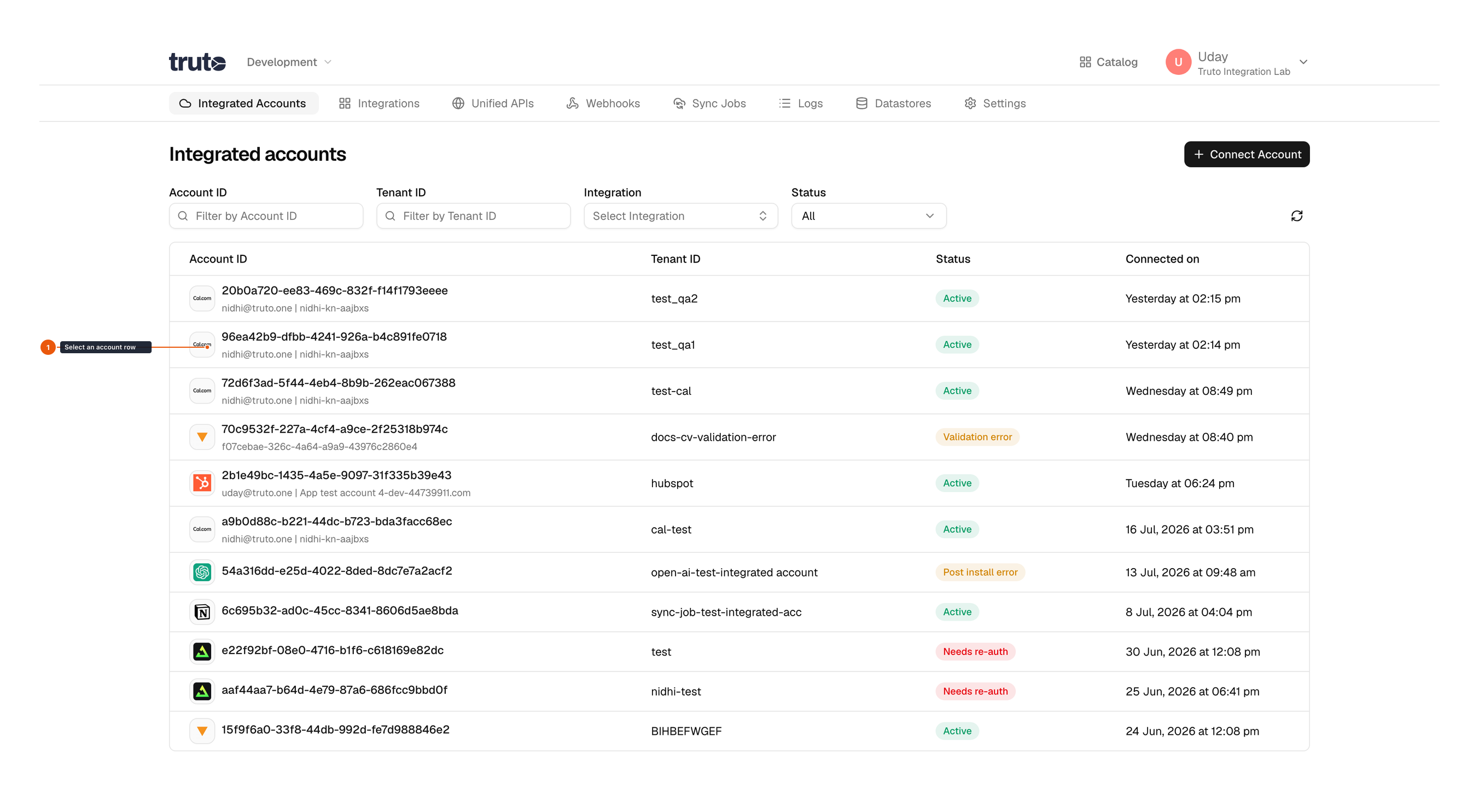
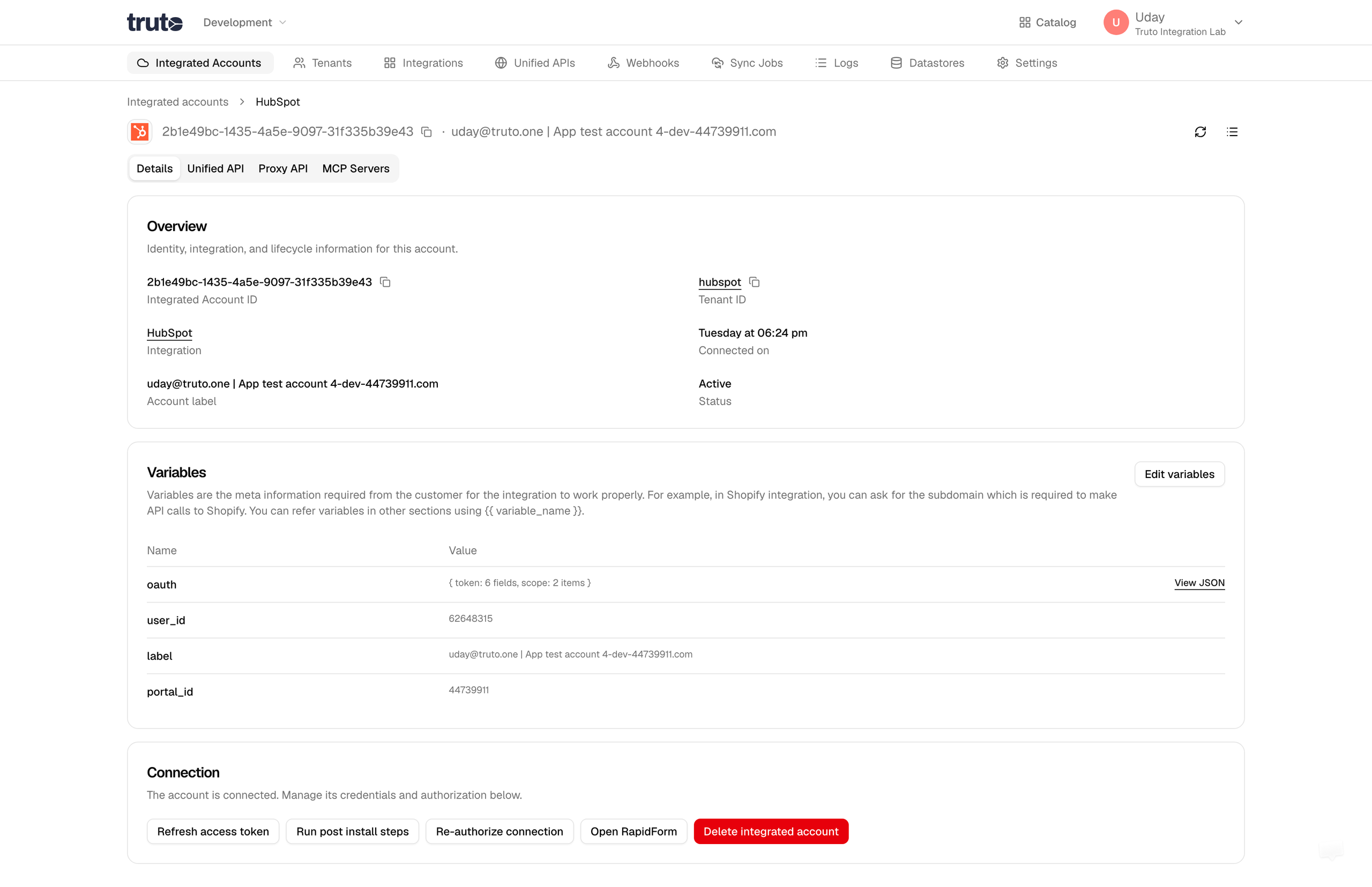
- Select the integrated account you want to delete.
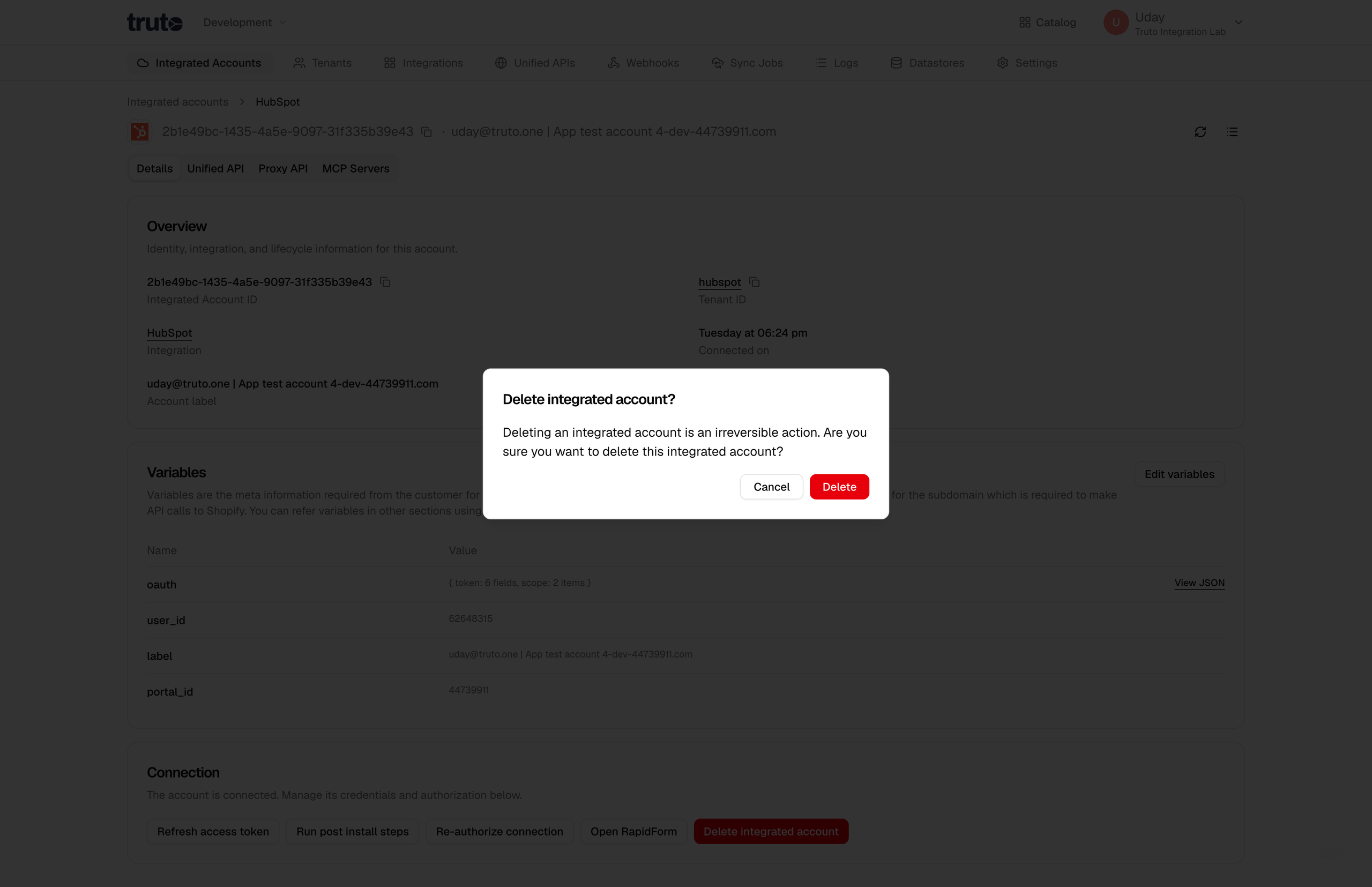
- Click Delete integrated account. You will be prompted to confirm this action because this process is irreversible.
- Click Delete.
- You will now be redirected to Integrated Accounts, and the integrated account has been deleted from the environment.
Delete an integrated account through the API
curl -X DELETE https://api.truto.one/integrated-account/<integrated_account_id> \
  -H "Authorization: Bearer $TRUTO_API_TOKEN"
# Asks for confirmation unless you pass --force
truto accounts delete <integrated_account_id>Note: Please make sure you're certain about this action. Deleting an integrated account is a permanent action and cannot be undone. The account's credentials and context variables are permanently deleted.
Delete many accounts
POST /integrated-account/bulk-delete deletes up to 99 accounts by ids, or up to 1,000 accounts of one tenant per call by tenant_id. It answers with deleted_count, matched_count, deleted_integrated_account_ids and matched_integrated_account_ids. For a tenant with more than 1,000 accounts, repeat the call until matched_count is under 1,000. It also sends one batch_job:completed event that lists deleted_integrated_account_ids instead of integrated_account:deleted per account.
curl -X POST https://api.truto.one/integrated-account/bulk-delete \
  -H "Authorization: Bearer $TRUTO_API_TOKEN" \
  -H "Content-Type: application/json" \
  -d '{"tenant_id": "acme-1"}'
Sent with a query filter instead of ids or tenant_id (the same filters as GET /integrated-account, for example {"query": {"tenant_id": "acme-1"}}), it answers at once with {"success": true}, deletes every matching account in the background, then sends batch_job:completed (or batch_job:failed). dry_run works only with query: add "dry_run": true to delete nothing and get batch_job:dry_run_completed, which lists the accounts the filter matched.
Next
Tenants covers the customer records your integrated accounts belong to.