Jenkins
Jenkins connects with your Jenkins username, an API token and the base URL of your Jenkins server.
Install the Jenkins integration
Install Jenkins from Available integrations in each environment you connect accounts from.
Find your API token, username and base URL
Warning
The role resources (roles, global-roles, project-roles, slave-roles) call the Role-based Authorization Strategy plugin. Connect as a Jenkins user with the Overall/SystemRead or Overall/Administer permission, or those calls fail.
- Sign in to Jenkins. Your Username is the one you sign in with.
- Copy the base URL of your Jenkins server from the browser's address bar.

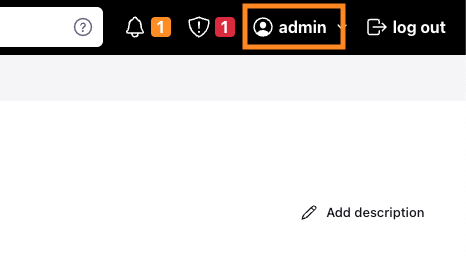
- In the top-right corner, click your name.
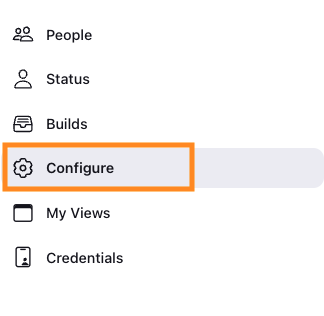
- In the left navigation bar, click Configure (Security on newer Jenkins versions).
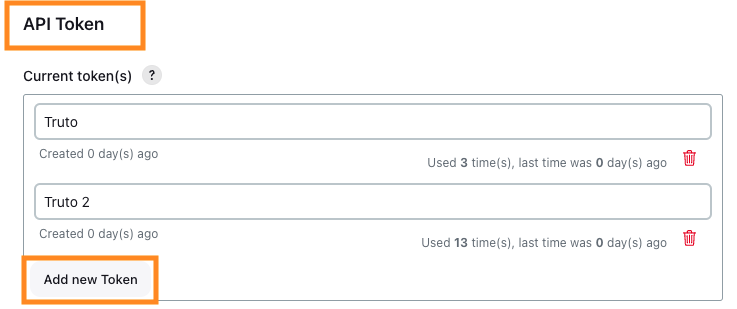
- Under API Token, click Add new Token, generate it and copy the token.
Info
Jenkins API tokens don't expire on their own. Jenkins highlights a token older than six months as a prompt to rotate it. If you revoke the token, reconnect the account with a new one.
Connect a Jenkins account
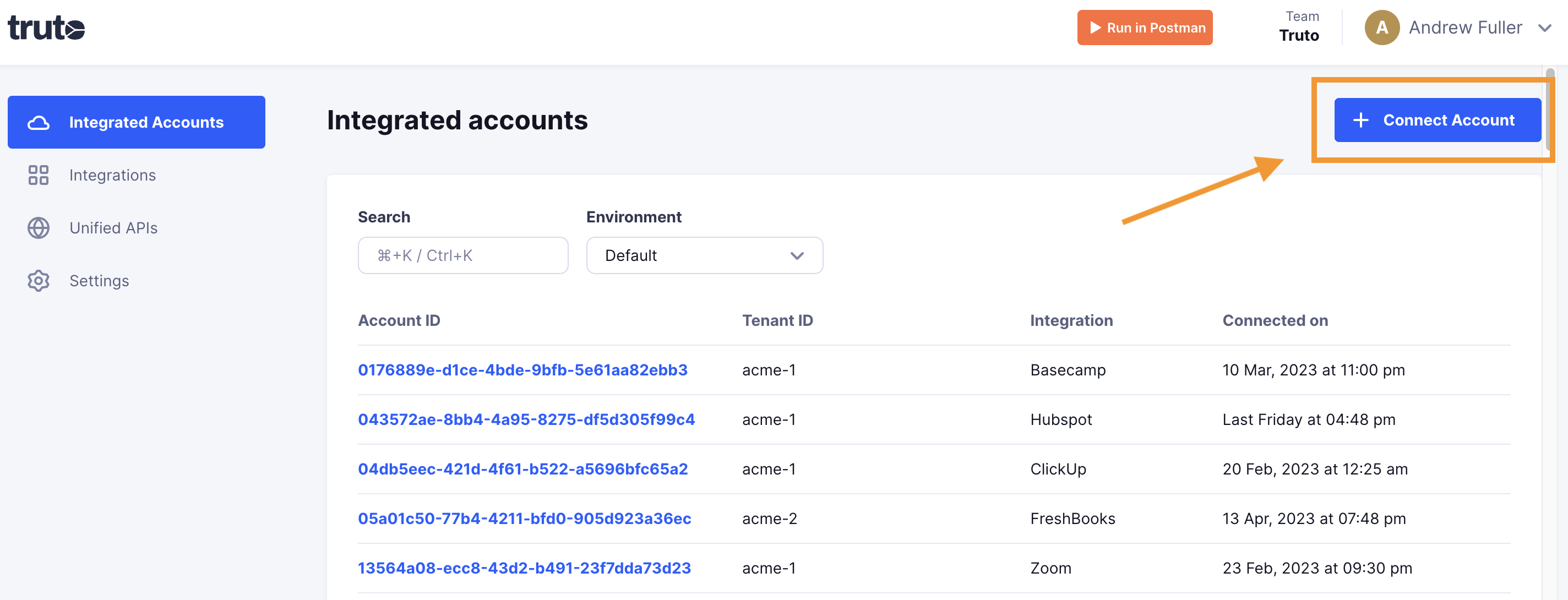
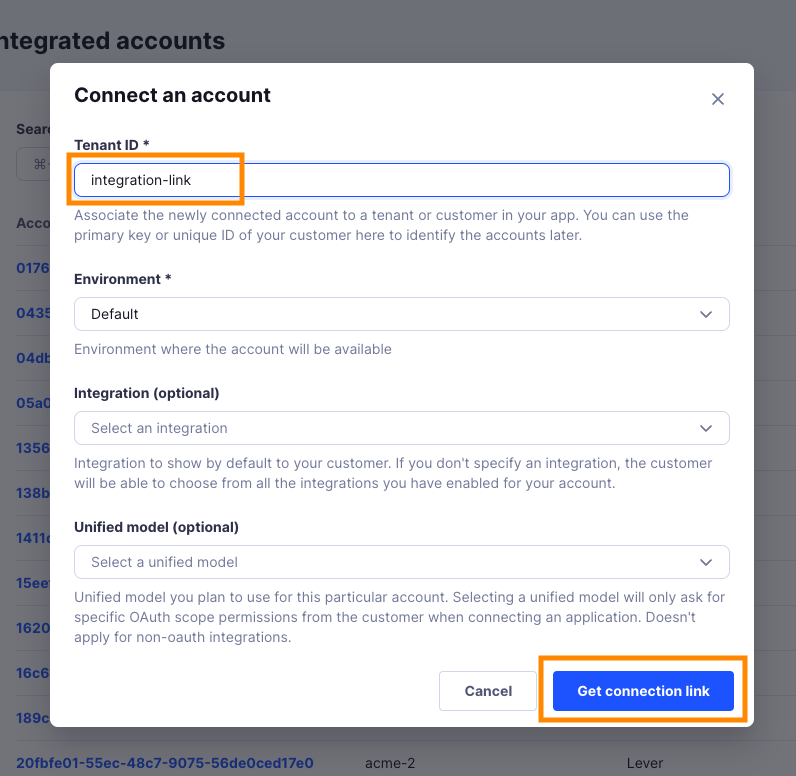
- In Integrated Accounts, click Connect Account.
- Enter a Tenant ID (your customer's ID; Truto creates the tenant if it is new), or pick one under Existing tenant (optional). Check the Environment and the Region (where Truto places the account; Western North America by default). To open the link straight on Jenkins, pick it under Advanced settings → Integration (optional). Click Get connection link.
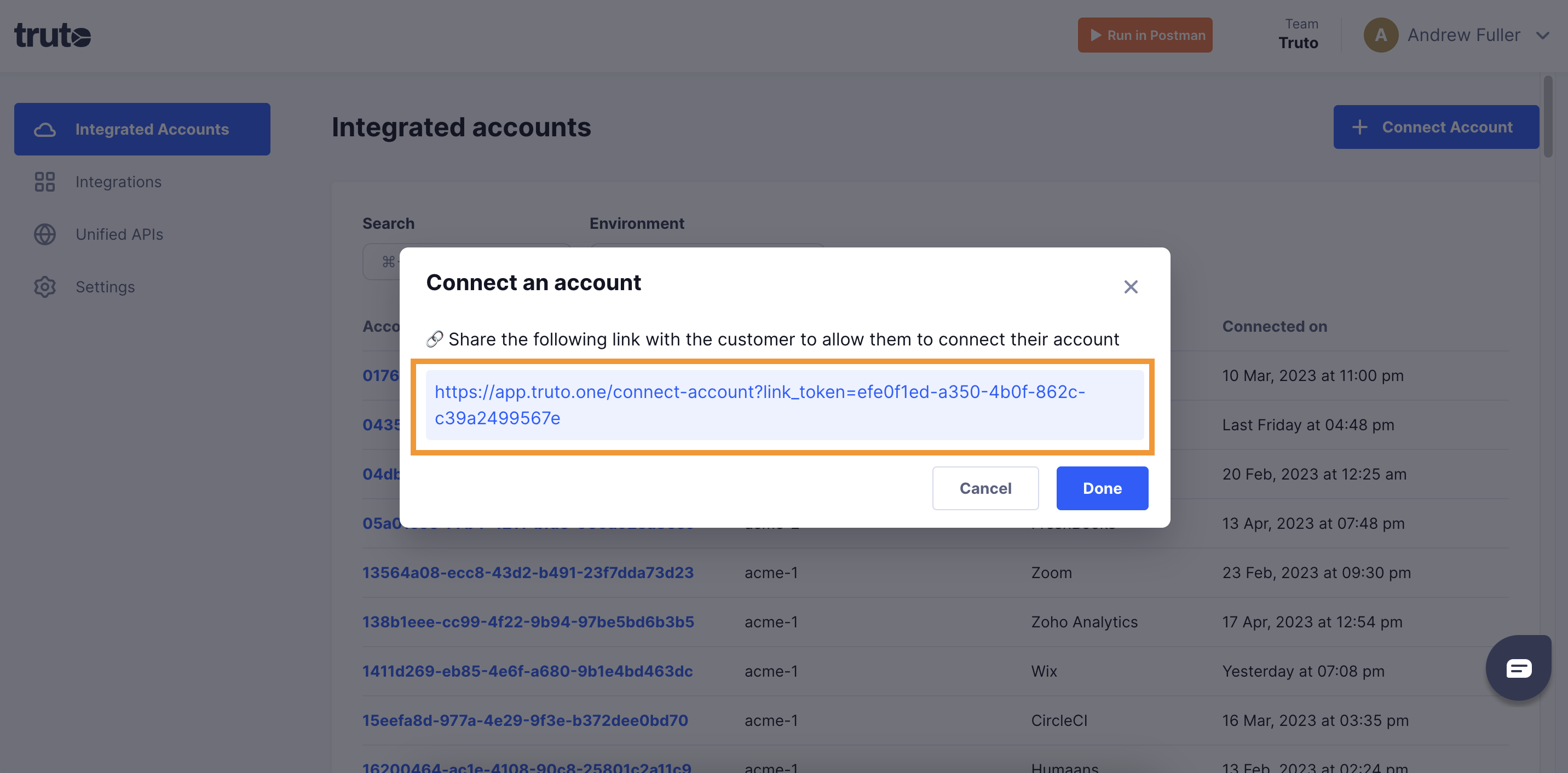
- Click the open-in-new-tab button, or click Copy and send the link to your customer so they connect their own Jenkins account. The link works for 7 days, until an account is connected with it.
- Click Get Started if it shows, then select Jenkins.

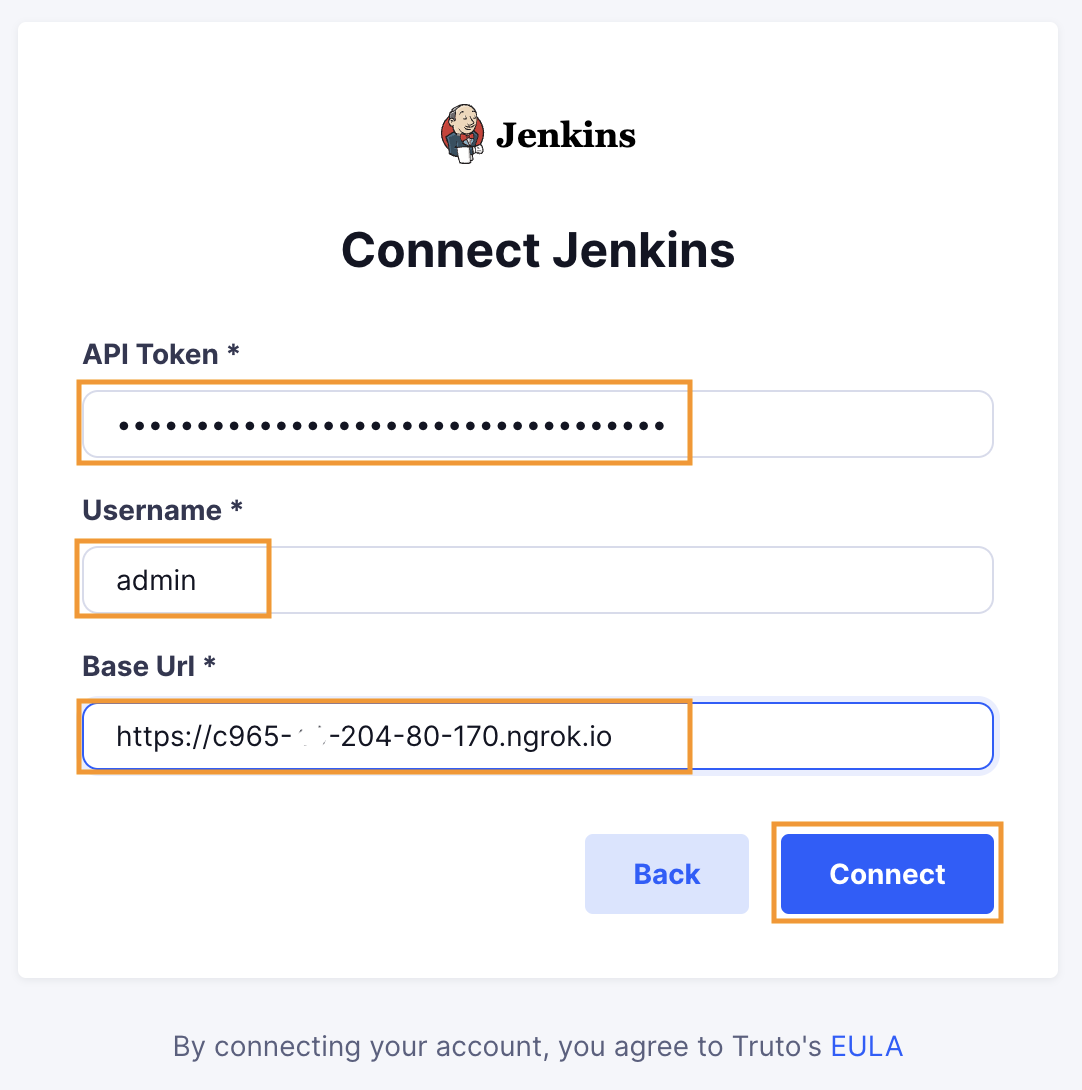
- Enter the API Token, Username and Base Url, then click Connect.
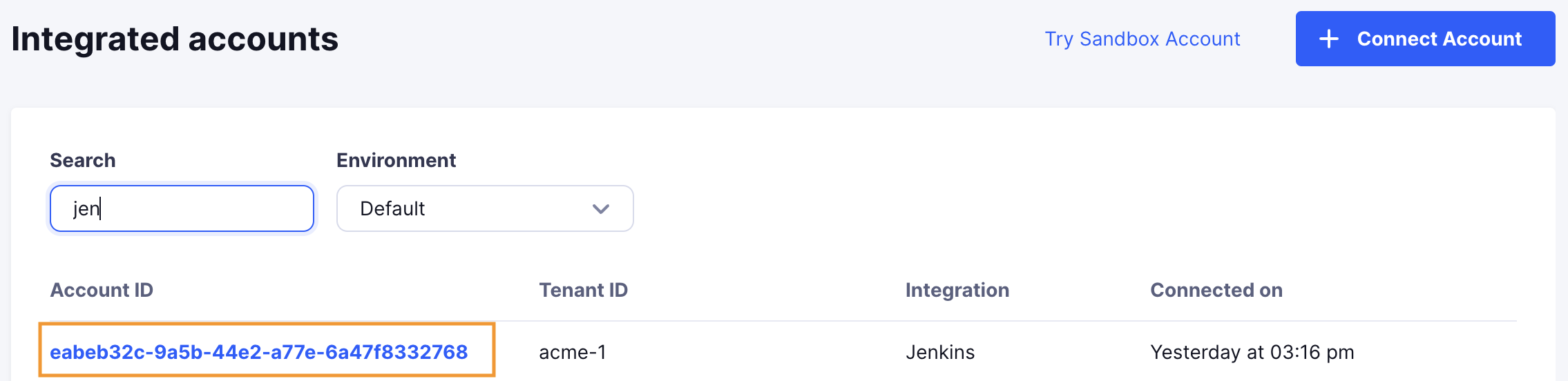
- Close the tab when you see Connection successful. The new account appears under Integrated Accounts. Click its Account ID to see its details and make API calls.
Uninstall the Jenkins integration
To remove Jenkins, see Uninstalling an integration. Uninstalling deletes every Jenkins integrated account in that environment.