PagerDuty
PagerDuty connects with a REST API key, or with OAuth 2.0 through a PagerDuty app you register yourself.
Install the PagerDuty integration
Install PagerDuty from Available integrations in each environment you connect accounts from.
Set up your PagerDuty OAuth app
Truto doesn't ship a PagerDuty OAuth app of its own. Before your end users can connect with OAuth, bring yours:
- In PagerDuty, go to Integrations → App Registration and create an app with OAuth 2.0, choose Classic User OAuth with Read/Write access, and add
https://api.truto.one/connect/pagerduty/callbackas its redirect URL. If you use a redirect URL on your own domain, add that URL instead. Truto asks for thewritescope, which Scoped OAuth apps don't have. - Enter the app's Client ID and Client Secret on the installed PagerDuty integration. See Overriding OAuth credentials.
When you click Install, the second step shows the Redirect URL to add to your app and asks for its Client ID and Client Secret. If you skip it, add them later on the Configuration tab.
Until you add them, the Connect UI offers PagerDuty only through the API Key method.
Connect a PagerDuty account
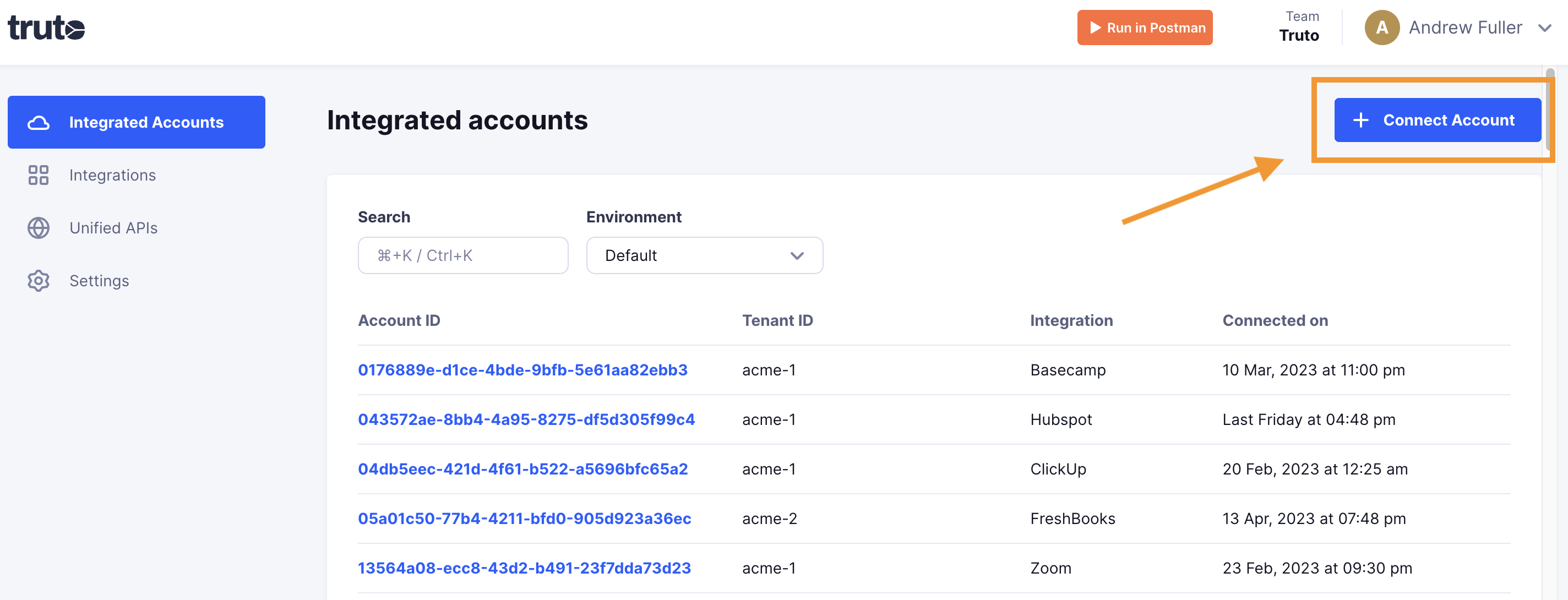
- In Integrated Accounts, click Connect Account.
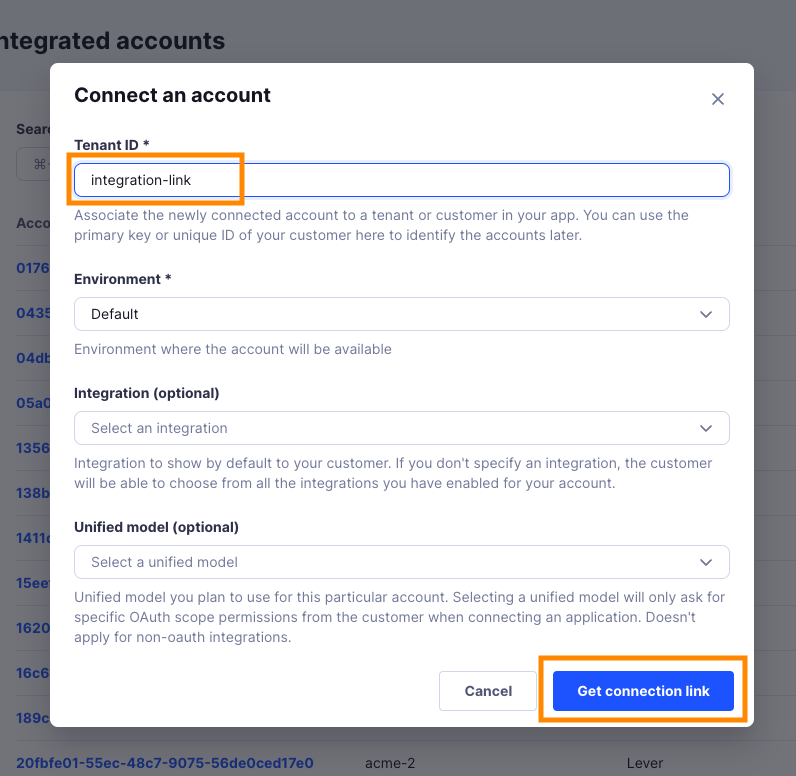
- Enter a Tenant ID (your customer's ID; Truto creates the tenant if it is new), or pick one under Existing tenant (optional). Check the Environment and the Region (where Truto places the account; Western North America by default). To open the link straight on PagerDuty, pick it under Advanced settings → Integration (optional). Click Get connection link.
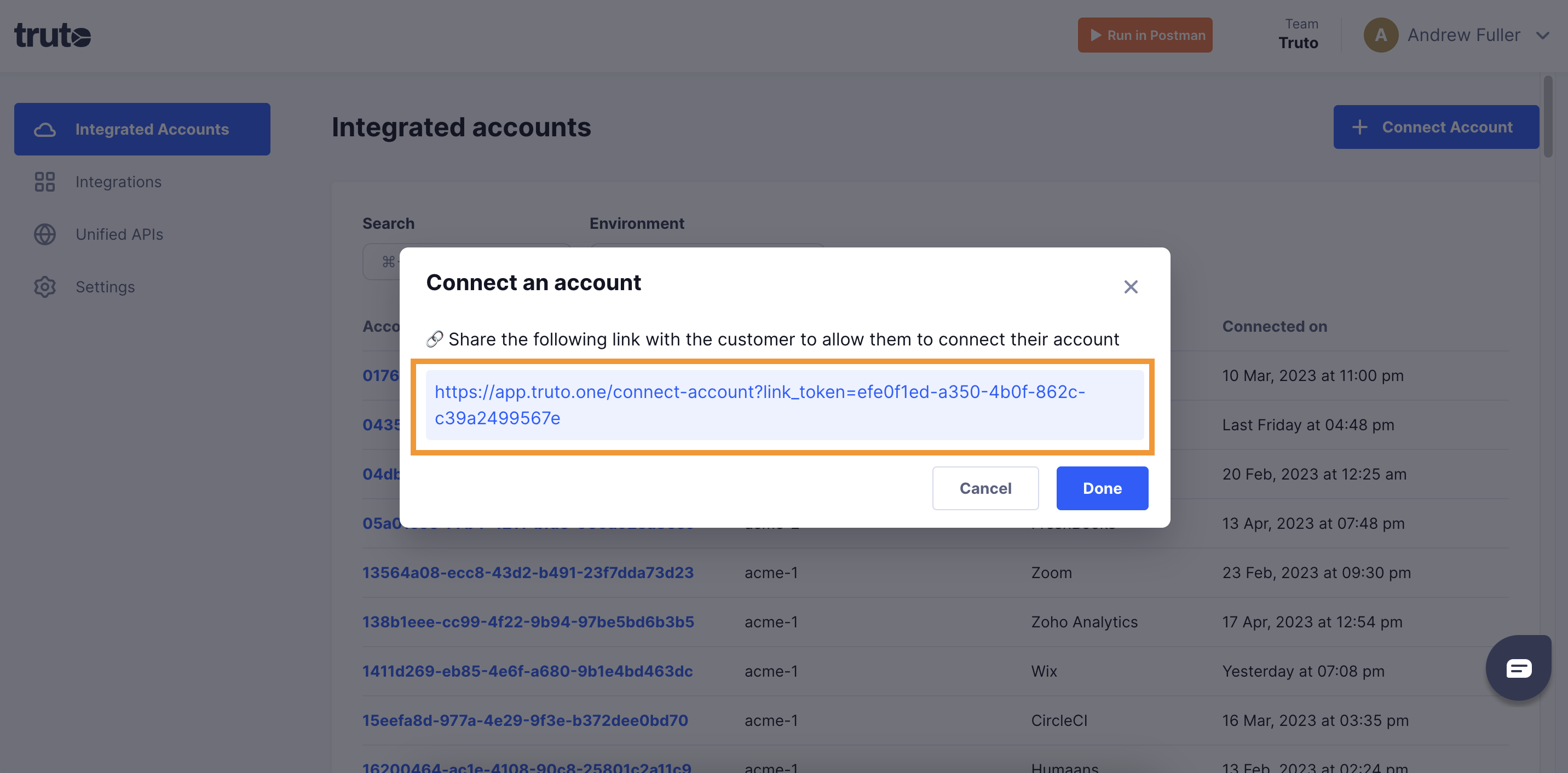
- Click the open-in-new-tab button, or click Copy and send the link to your customer so they connect their own PagerDuty account. The link works for 7 days, until an account is connected with it.
- Click Get Started if it shows, then select PagerDuty.

- Pick an authentication method: OAuth 2.0 (offered once you add your PagerDuty app), API Key. Each one is described below.
OAuth 2.0
Click Connect.
Sign in to PagerDuty and allow access.
API Key
Fill in the form and click Connect:
| Field | Required | What to enter |
|---|---|---|
| API Key | Yes | A PagerDuty REST API key. An admin creates one under Integrations → API Access Keys → Create New API Key. |
Close the tab when you see Connection successful. The new account appears under Integrated Accounts. Click its Account ID to see its details and make API calls.