Breezy HR
Breezy HR connects with the email and password of a Breezy HR user, plus a partner API key from Breezy HR.
Install the Breezy HR integration
Install Breezy HR from Available integrations in each environment you connect accounts from.
Connect a Breezy HR account
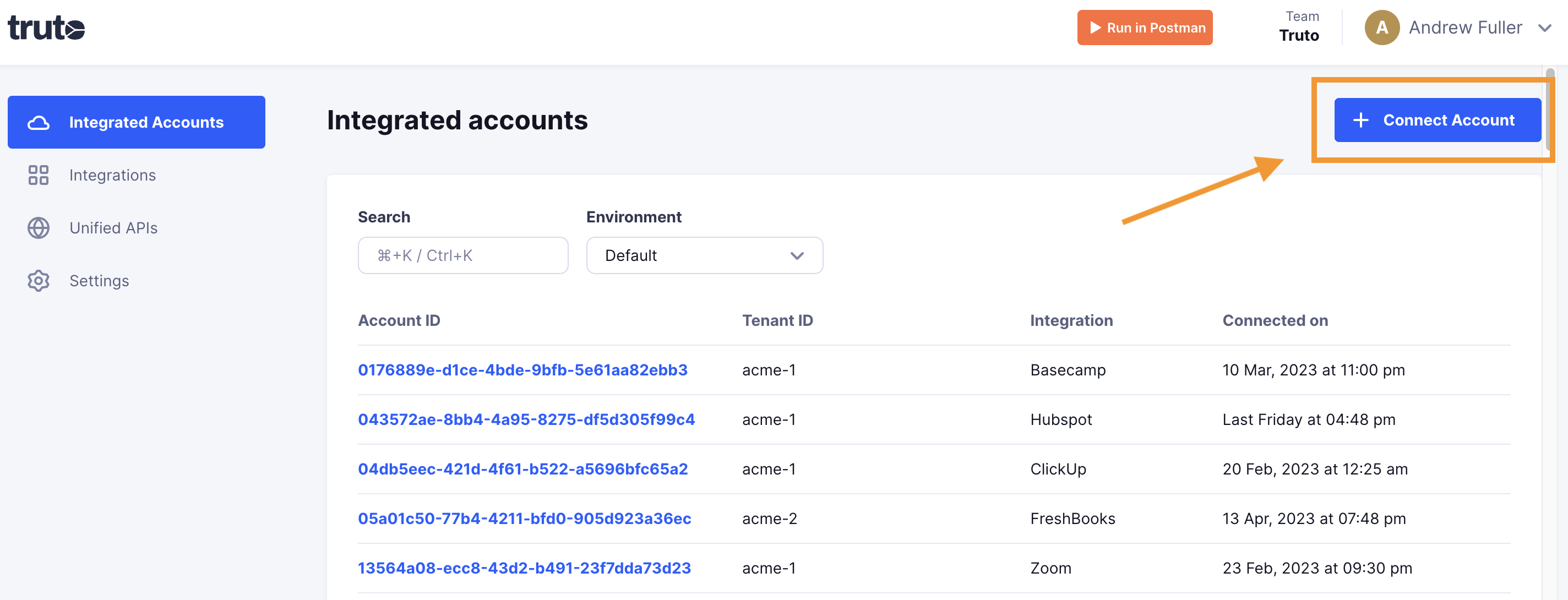
- In Integrated Accounts, click Connect Account.
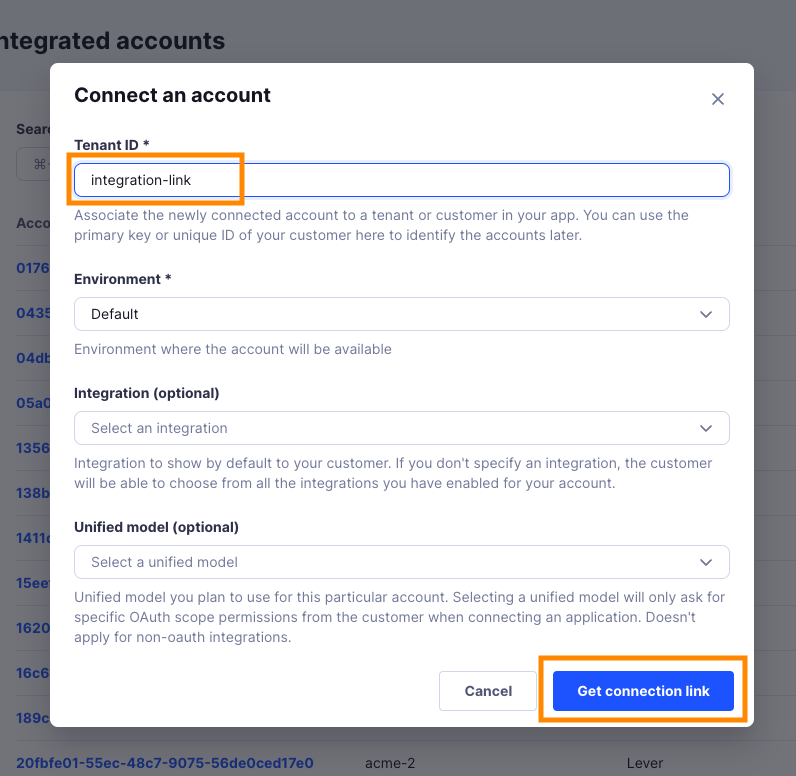
- Enter a Tenant ID (your customer's ID; Truto creates the tenant if it is new), or pick one under Existing tenant (optional). Check the Environment and the Region (where Truto places the account; Western North America by default). To open the link straight on Breezy HR, pick Breezy under Advanced settings → Integration (optional). Click Get connection link.
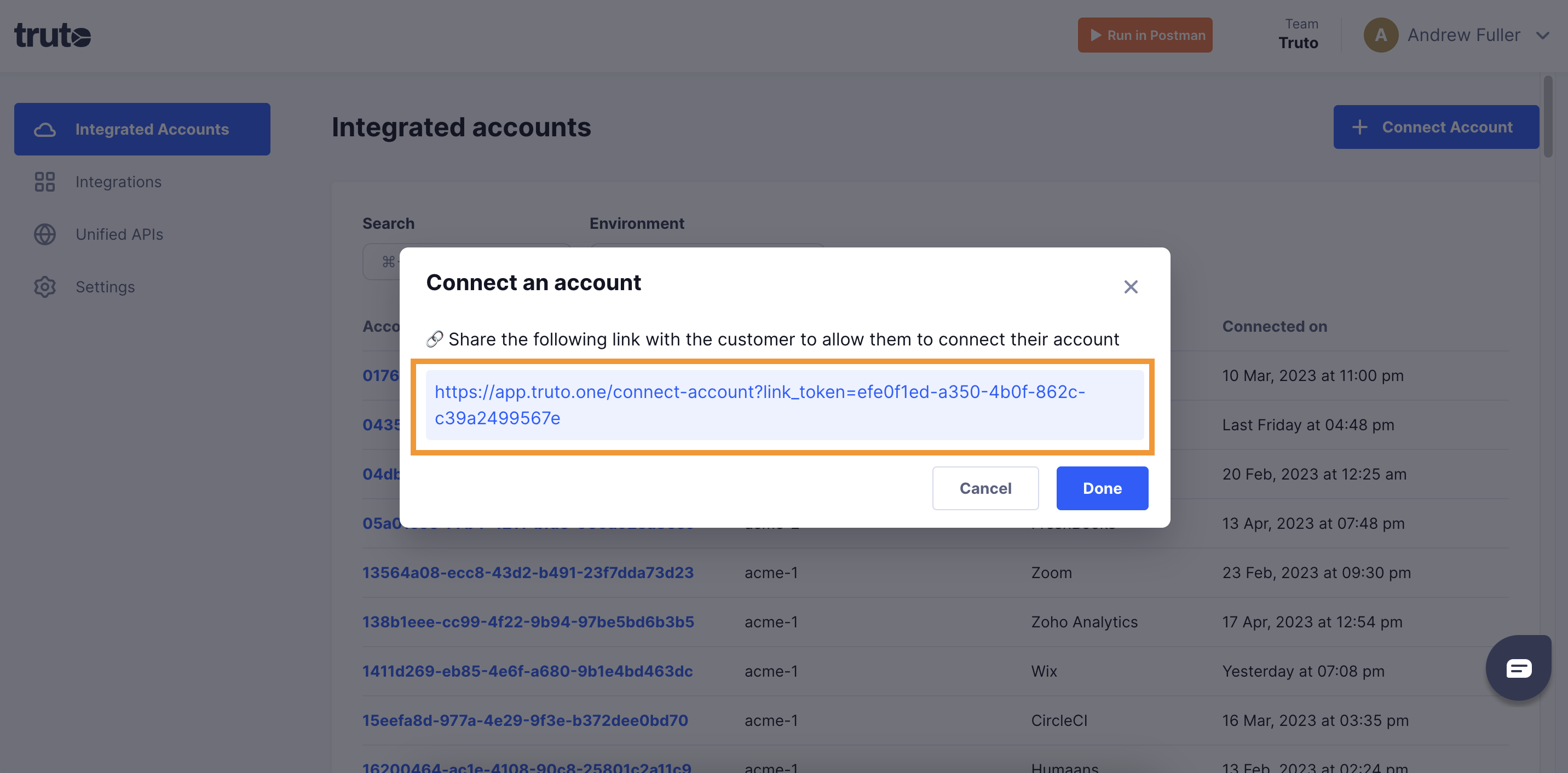
- Click the open-in-new-tab button, or click Copy and send the link to your customer so they connect their own Breezy HR account. The link works for 7 days, until an account is connected with it.
- Click Get Started if it shows, then select Breezy.

- Enter the connection details and click Connect:
- Breezy Email and Breezy Password (required): the login of the Breezy HR user Truto connects as.
- Partner API Key (required): the partner key Breezy HR issues to you. Ask Breezy HR for one if you don't have it.
- Close the tab when you see Connection successful. The new account appears under Integrated Accounts. Click its Account ID to see its details and make API calls.
Receive webhooks
Breezy HR can send candidate changes to Truto, which passes them on as unified record:* events on ats/candidates. Breezy HR webhooks need a Breezy HR Pro plan.
- Install the ATS Unified API in the environment. Truto turns Breezy HR events into
record:*events only through it; without it, events are dropped. - Subscribe a Truto webhook to
record:created,record:updatedandrecord:deleted, orall. See Creating a webhook. - Register
https://api.truto.one/integrated-account-webhook/<integrated_account_id>with Breezy HR through the Proxy API resourcewebhook-endpoints(create; Truto fills in the account's first Breezy HR company unless you passcompany_id), subscribed to the events below.
| Breezy HR event | Truto event |
|---|---|
candidateAdded |
record:created |
candidateStatusUpdated |
record:updated |
candidateDeleted |
record:deleted |